Draw the data path first
I would start an integration not with the Connect button, but with the question: which event in system A should change what in system B, and who owns that field.
The mistake I would remove first: Most duplicates appear because the workflow creates a record on every webhook and does not store the source event id. A redelivery looks like a new request.

What to prepare and what result to expect
- Outcome: Files, CRM, calendar, and email connect predictably, and an error does not become a silent data loss.
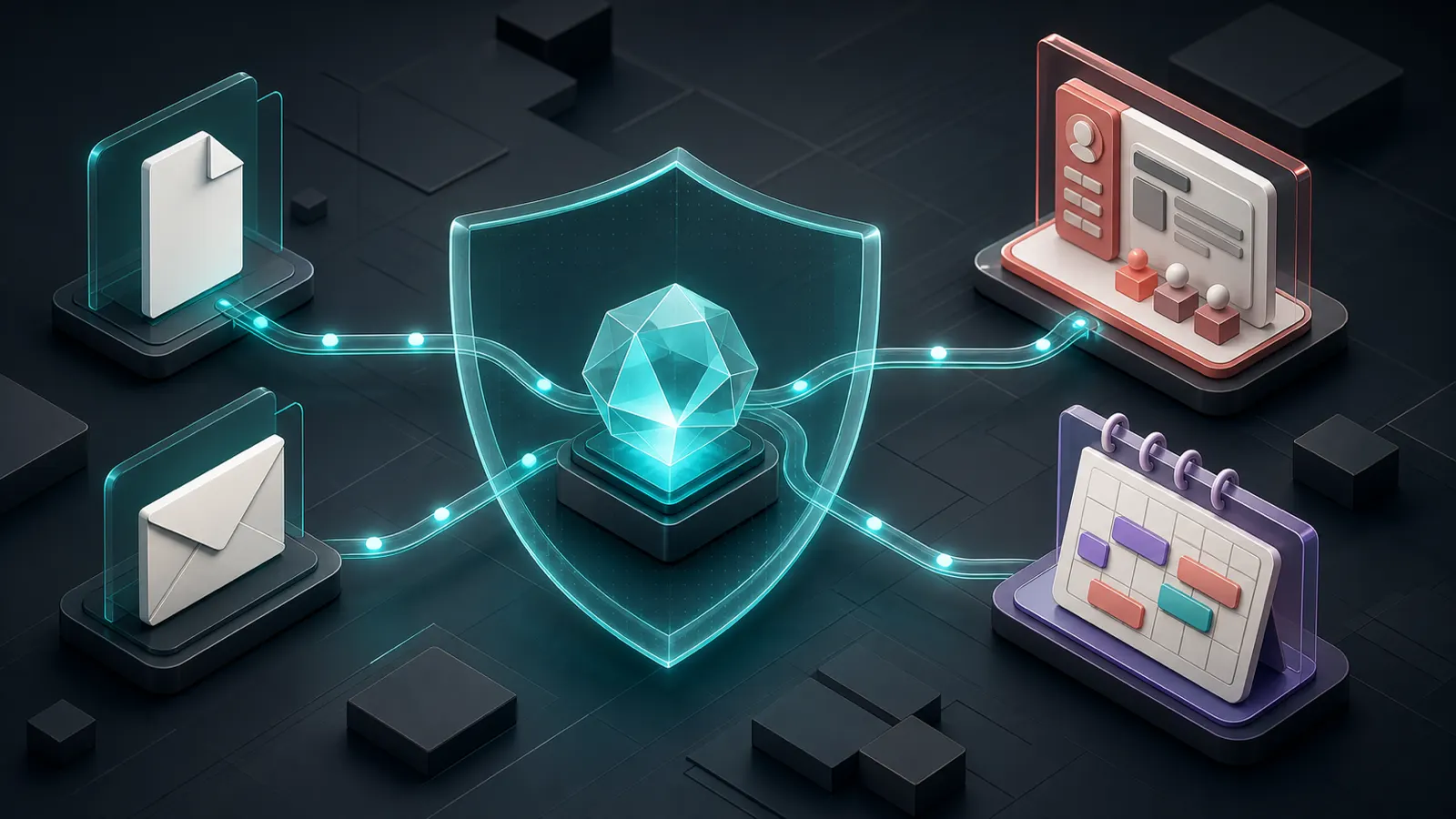
- Draw the map event → source → transform → target → owner and, for each field, set direction, format, and write rights.
- Keep source data and access rights separate from the output so you can audit what the AI-to-business-systems connection did.
- Test a webhook retry, a missing field, an expired token, a timeout, and an API response with an unexpected structure.
Connect AI to systems with logs and duplicate protection
- Describe the owner of each field
In the integration table, list: field, owner system, format, direction, who may change it, and what to do on conflict.
Проверьте: No two systems claim ownership of the same value.
Если не сработало: Leave the field read-only in one system.
- Issue minimal credentials
Create separate keys or OAuth access for the workflow. Where possible, use read-only and limit the folder, project, or table.
Проверьте: Revoking one key does not break the whole business or open extra data.
Если не сработало: Test on a sandbox account first.
- Make the transform explicit
Before AI and write, normalize dates, phones, enums, and nested JSON. Do not pass the whole object if you need three fields.
Проверьте: The same input produces the same target format.
Если не сработало: Add a validation step and a sample of the expected JSON.
- Add idempotency and errors
Store event_id, limit retries, and create a dead-letter queue for cases that need a human.
Проверьте: A retry does not create a duplicate, and the error is visible to the owner.
Если не сработало: Stop the workflow after one controlled retry and notify the team.
Field map before connecting
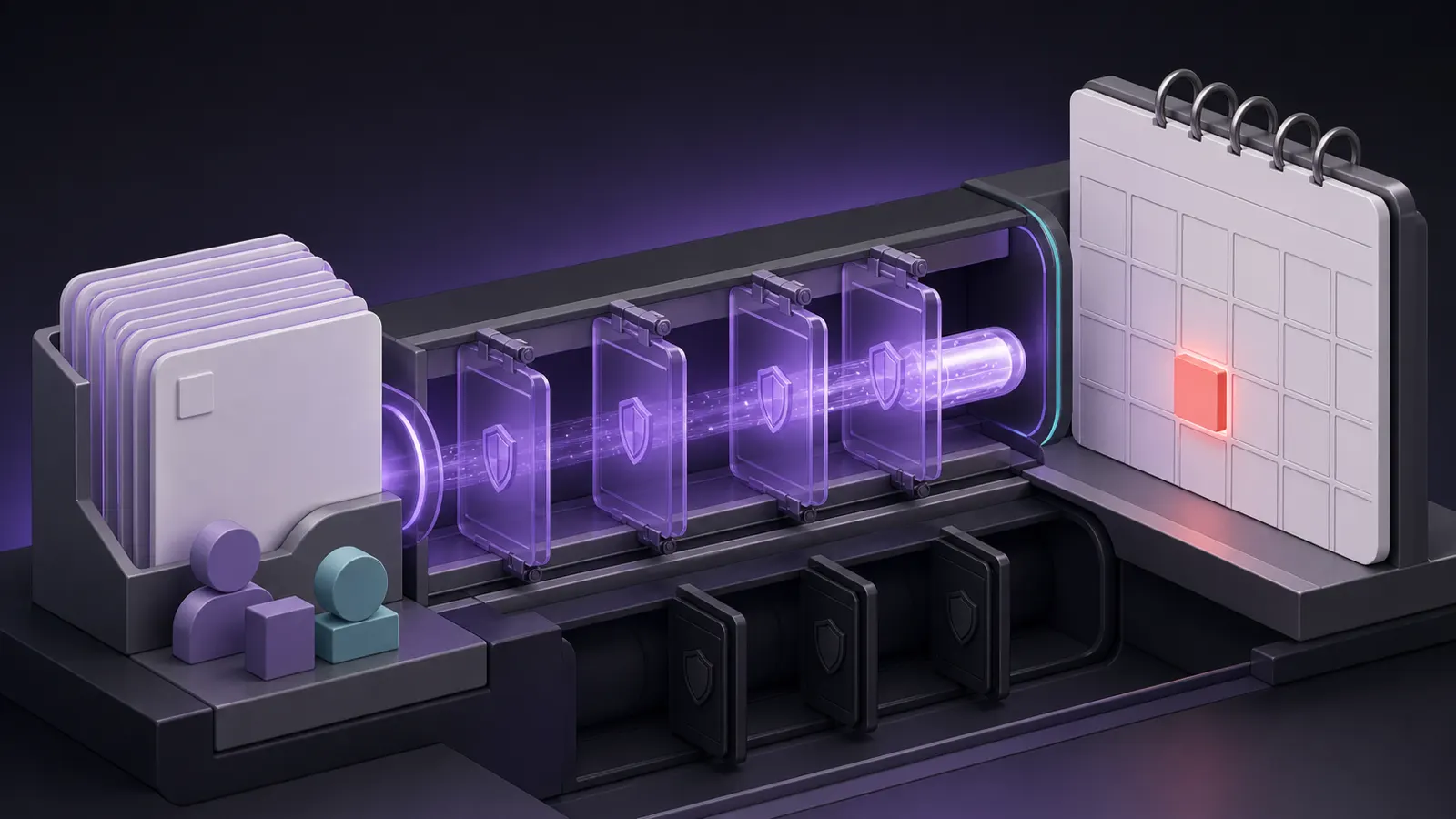
Make a table with event_name, source_system, target_system, source_field, target_field, transform, required, owner, and failure_route. Example: form.email → crm.email, normalize_phone → crm.phone, form.request → crm.note. A field without an owner is better left out of automatic transfer.
First write the event to the log, then normalize data, validate required fields, and only then call Create/Update. For every run, store source_event_id and target_record_id.
- Test an empty field, a repeated webhook, and an unavailable API.
- Do not grant the integration delete rights if it only needs create/update.
How to find an error in five minutes
Open the run log and check the chain: event received, data parsed, rule passed, API responded, target_record_id saved. If you only have a final error without the input and API response, logging starts too late.
I test redelivery and an unavailable CRM
Send the same webhook twice, then disconnect the CRM before the Create/Update step. Correct result: the second run finds `source_event_id`, and the failure stores the input, API response, retry_count, and next attempt time. If a safe retry is impossible, stop the integration before granting production rights.
Create a separate route `failed → retryable → retried/needs_human`. For each run, save `target_record_id` only after a confirmed CRM response. That lets you tell “record not created” from “record created, but the response was lost.”
Which data to transfer, and which to leave in place
| Criterion | Question | Good sign |
|---|---|---|
| Input | What exactly enters the AI-to-business-systems connection? | Draw the map event → source → transform → target → owner and, for each field, set direction, format, and write rights. |
| Action | What is the system allowed to do on its own? | Only prelisted actions, without access to the entire account |
| Check | How do you know the result is acceptable? | Test a webhook retry, a missing field, an expired token, a timeout, and an API response with an unexpected structure. |
| Failure | Where does an unclear case go? | Save the event to a reprocessing queue with run_id and failure reason; do not run endless retries. |
What should change after setup
Files, CRM, calendar, and email connect predictably, and an error does not become a silent data loss.
Where integrations lose data without a loud error
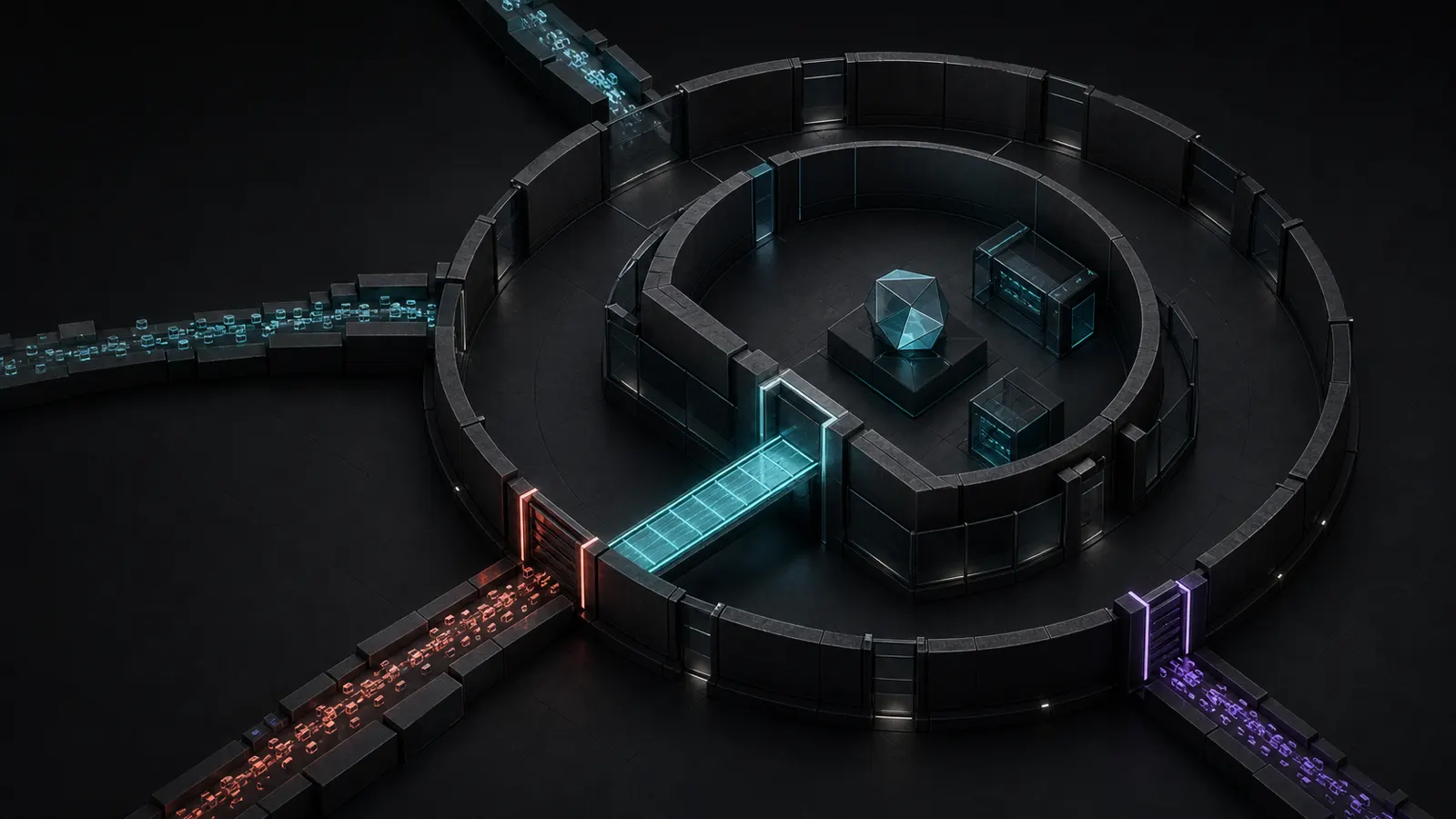
Connecting services without a data-ownership map.
Using one global key with admin rights.
Trusting mismatched date formats and enums.
Calling a run successful just because it did not show an error.
When system connections must be designed as a product
Bring in a specialist if the integration touches money, multiple sources of truth, sensitive data, or high event volume.
What to ask an integrator before connecting
Who is this approach for when connecting AI to business systems?
Integration does not start with the Connect button. First decide which event carries which fields, who owns the data, and what happens on retry or error.
Where should you start if everything is still manual?
Draw the map event → source → transform → target → owner and, for each field, set direction, format, and write rights.
How do you check that the setup will not cause harm?
Test a webhook retry, a missing field, an expired token, a timeout, and an API response with an unexpected structure.
What should you do with an unclear result?
Save the event to a reprocessing queue with run_id and failure reason; do not run endless retries.