
How an agent differs from a regular chat
If someone showed me five fixed steps and called it an agent, I would ask: can the system choose a different tool when the situation changes? If not, it is a workflow—and that is completely fine.
The mistake I would remove first: Adding ten tools “for later” is the fastest way to get an unpredictable system. An agent does not need maximum access—it needs one job and a short list of allowed actions.
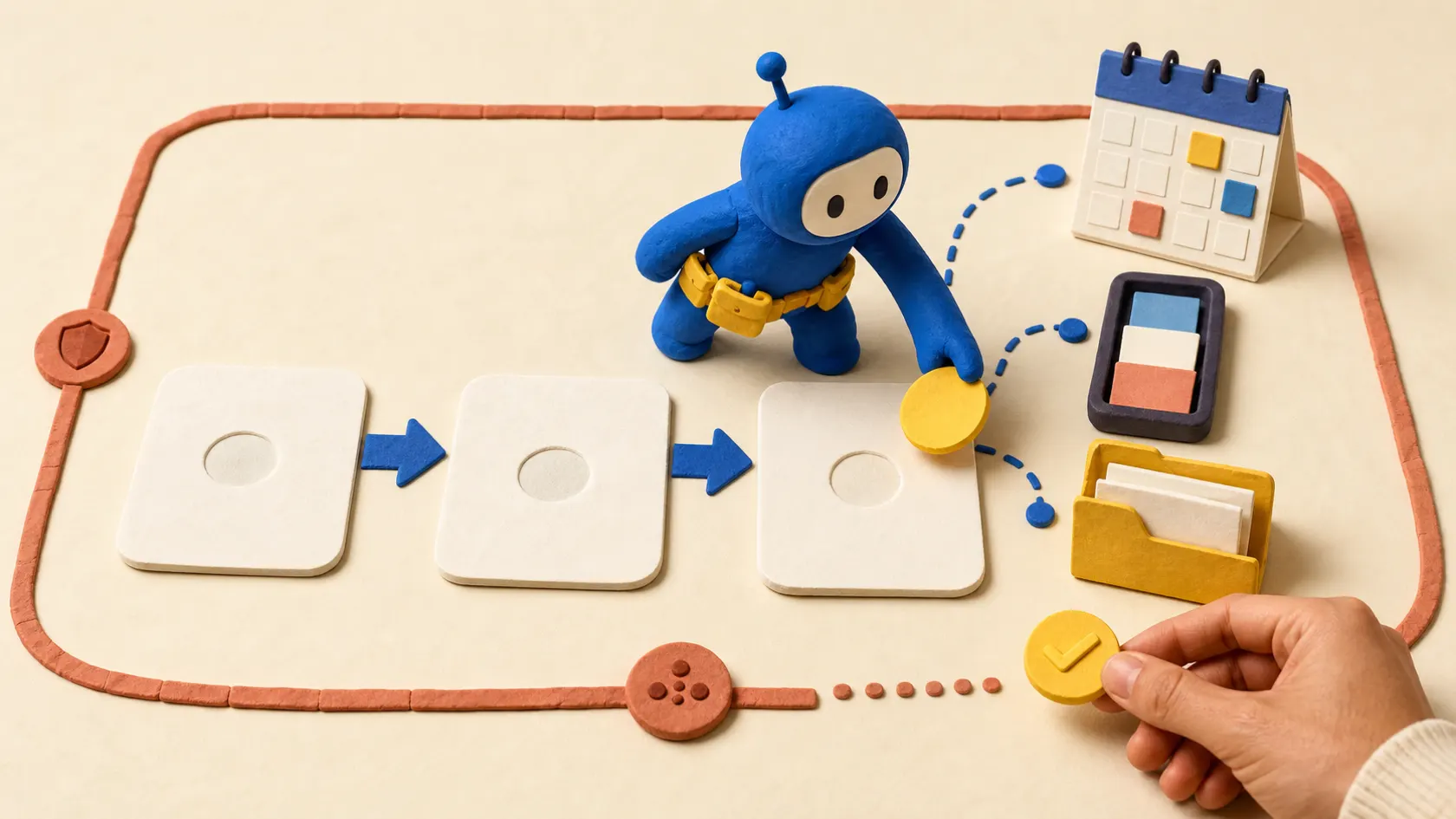
What to prepare and what result to expect
- Outcome: You will understand whether you need an agent at all, which permissions to grant, and which actions to leave only after approval.
- Draw the map goal → context → tools → check → action, and separately mark where human confirmation is required.
- Keep source data and access rights separate from the output so you can audit what the AI agent with a tool did.
- Test three requests: a question with no action, a read request, and a request to change a record. The agent must tell them apart.
Build the first agent without excess permissions
- Describe the goal in one sentence
Write: “Help a manager triage a request and propose the next step.” Do not start with “build a universal agent for the business.”
Проверьте: The goal has a clear outcome that can be accepted or rejected.
Если не сработало: Narrow the goal to one role and one process.
- Create an assistant with a limited instruction
In the AI service UI, open Create assistant/agent and set: “Collect request data, propose the next step, do not send messages without confirmation.”
Проверьте: The instruction separately lists what is allowed and forbidden.
Если не сработало: Rewrite prohibitions as checkable conditions, not wishes.
- Connect one tool
Start with read CRM record or database search. Describe inputs record_id and requested_fields, and forbid access to the entire CRM.
Проверьте: The tool returns only the needed fields and has no write access.
Если не сработало: Replace the real CRM with a test table.
- Put approval before the action
Enable run logs and confirmation before write, send, delete, or permission changes. Keep the action plan next to the result.
Проверьте: Without confirmation, the agent physically cannot perform a sensitive action.
Если не сработало: Do not rely on the prompt: remove the tool or limit it to read-only.

A one-workflow check
Draw the chain goal → context → tool choice → check → action → log. Example: new request → read the text → find a CRM duplicate → validate email → create a draft task. If you remove the tool and the result does not change, you do not need an agent.
Describe every tool as a contract: name, input fields, allowed values, what it returns, and when to stop on error. Do not connect the agent to all of Google Drive or the entire CRM.
- First read-only, then draft, and only then a limited action.
- Do not confuse the ability to call an API with the right to make a business decision alone.
A test that quickly shows risk
Give the agent a normal input, an empty field, a data conflict, an expired document, and an out-of-scope request. The right result is not always an action: often it is a refusal, needs_human, or a clarifying question. Those branches are what you show the owner before launch.
The tool contract matters more than a pretty demo
For each tool, describe name, input, allowed values, response, and stop condition. Start with `find_contact`, `get_open_deal`, `get_last_meeting`, and `draft_followup`; do not connect email sending yet. Keep only that list in `allowed_tools`.
Run fields: `run_id`, `goal`, `allowed_tools`, `max_steps`, `tool_calls`, `requires_approval`, `final_output`, `error_code`, `started_at`, and `finished_at`. For the first pilot set `max_steps = 6`, `max_retries_per_tool = 2`, and persist state in an external table.
{
  "type": "function",
  "name": "find_contact",
  "strict": true,
  "parameters": {
    "type": "object",
    "properties": {"email": {"type": ["string", "null"]}},
    "required": ["email"],
    "additionalProperties": false
  }
}
Five inputs where the agent must stop
Test a normal request, an empty field, a data conflict, an expired document, and an out-of-scope task. The right result is not always an action: it can be `needs_approval`, `needs_clarification`, or `failed` with a clear reason.
When you need an agent vs regular automation
| Criterion | Question | Good sign |
|---|---|---|
| Input | What exactly enters the AI agent with a tool? | Draw the map goal → context → tools → check → action, and separately mark where human confirmation is required. |
| Action | What is the system allowed to do on its own? | Only prelisted actions, without access to the entire account |
| Check | How do you know the result is acceptable? | Test three requests: a question with no action, a read request, and a request to change a record. The agent must tell them apart. |
| Failure | Where does an unclear case go? | Stop execution and return the result as draft if the agent cannot explain which action it is about to take. |
What should change after setup
You will understand whether you need an agent at all, which permissions to grant, and which actions to leave only after approval.
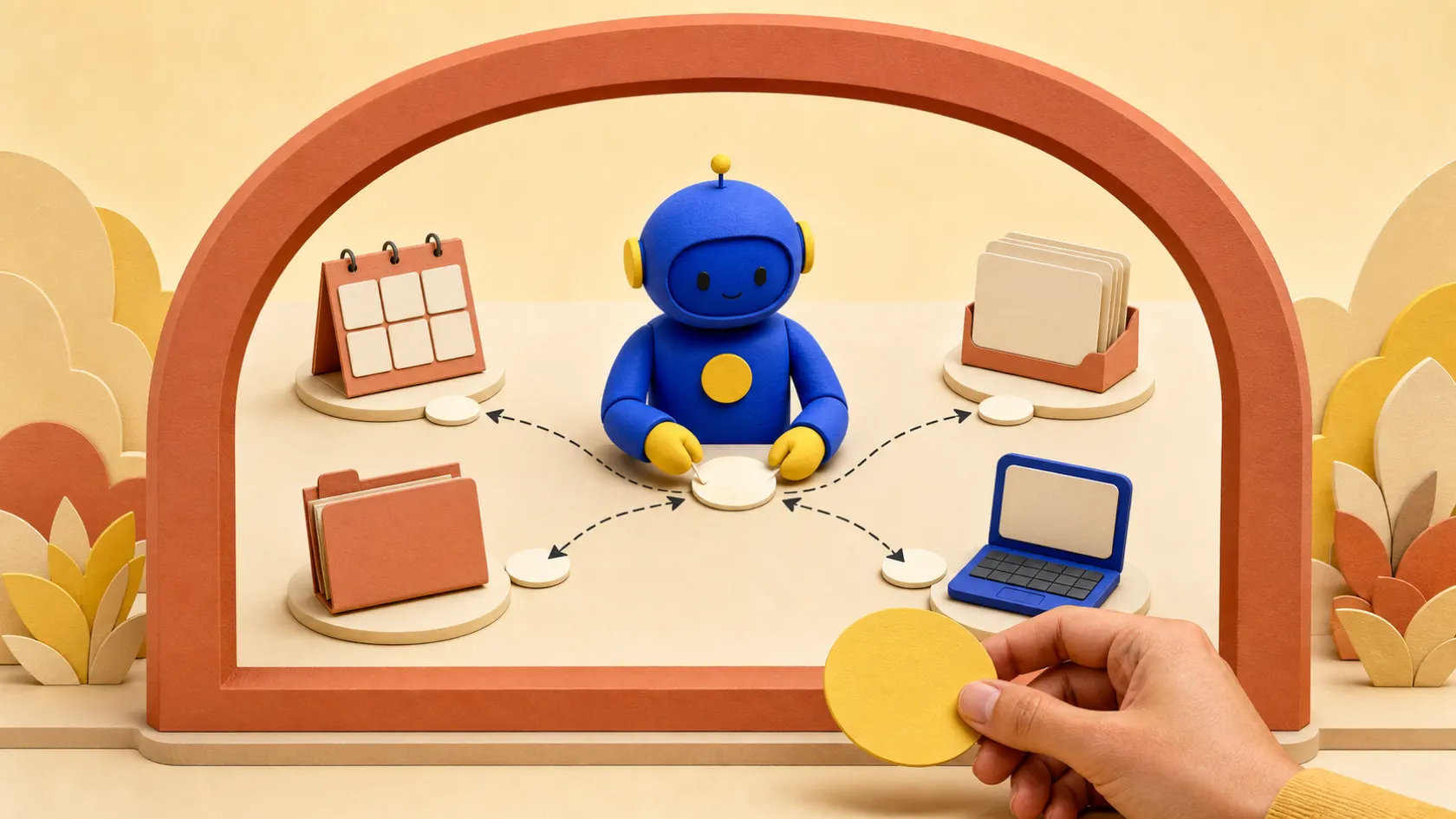
Where autonomy turns into risk
Calling any chatbot an agent even when it only generates text.
Giving the agent broad rights and hoping the prompt will stop it.
Adding memory and five tools before validating one.
Not recording which action the agent chose and why.
When the experiment already needs an engineering layer
Bring in a specialist when the agent must work with multiple systems, keep long memory, run actions on a schedule, or handle sensitive data.
What to clarify before connecting tools
Does an agent always run autonomously?
No. Autonomy is defined by tools, permissions, rules, and approval points.
When is a regular workflow enough?
When the path is known in advance: event → filter → action. An agent is needed where the next action must be chosen.
Does an agent need memory?
Only if past context truly affects the decision. Otherwise store data in the system, not in hidden memory.
Which first tool should you connect?
One read tool that is easy to replace with a test table and validate on ten examples.