Map the path from question to service first
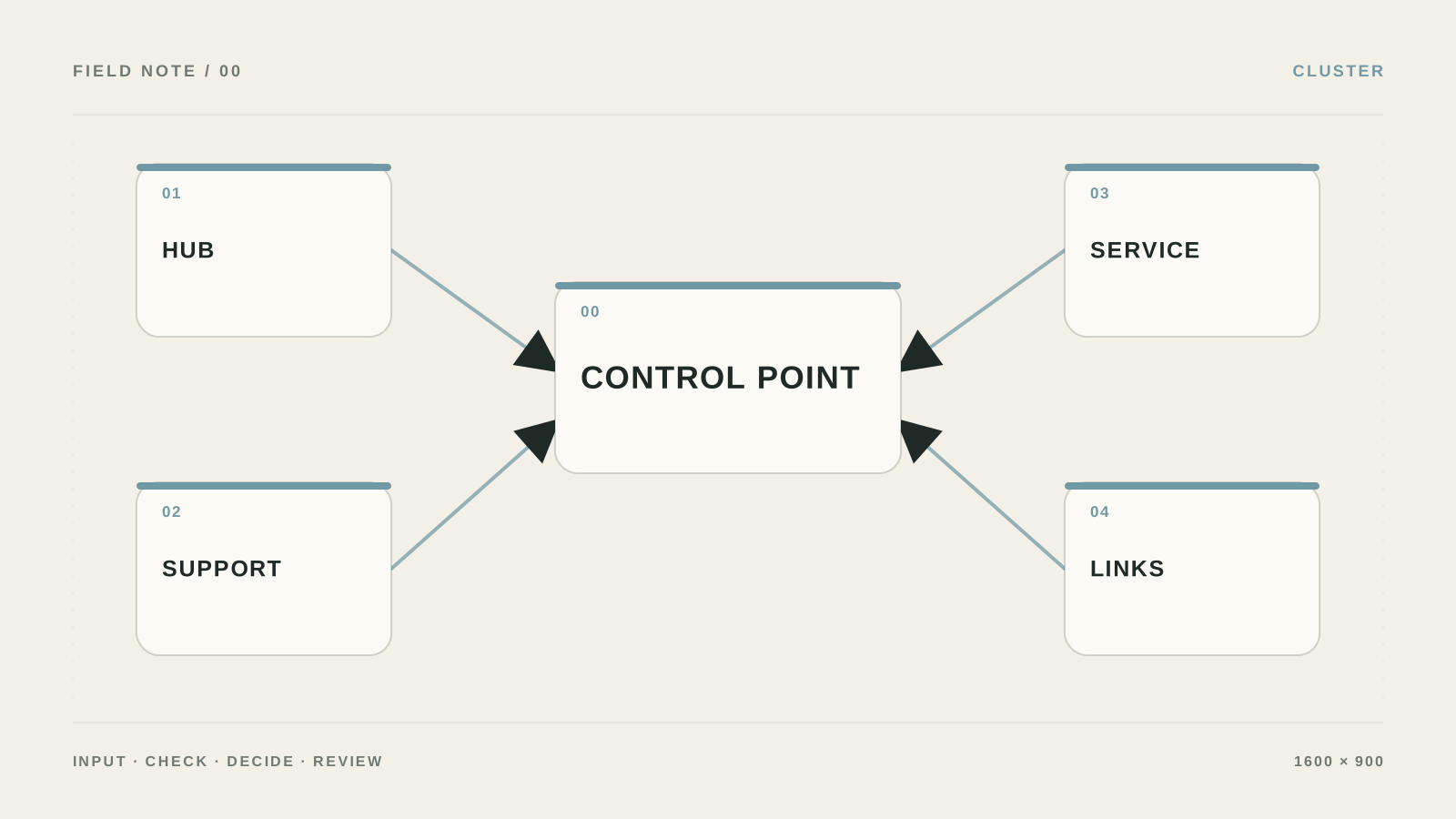
I would not build a cluster as a list of articles around one word. I would first map the path: understand → compare → choose → ask for price, then link pages so the next step is obvious.
The mistake I would remove first: Creating articles only for volume.
What to prepare and what result to expect
- Outcome: Articles do not compete with each other; they help the reader move toward the right page.
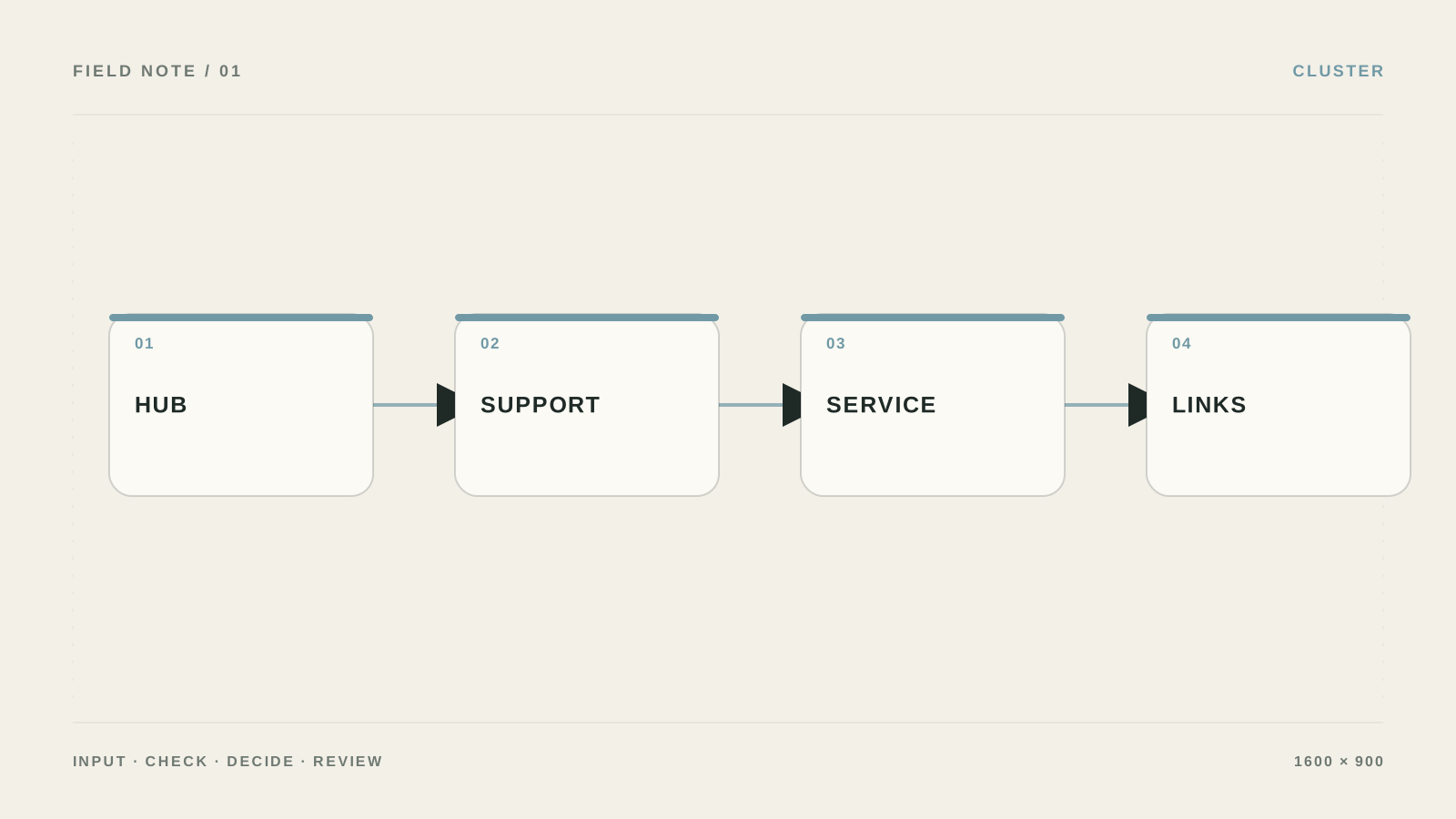
- Pick one primary intent and draw a map: hub → supporting pages → service/product. For each link, define the purpose of the click in advance.
- Keep source data and access rights separate from the output so you can verify what the topic cluster and internal linking produced.
- Open any article and check for a link to the hub, a related question, and a commercial next step.
Build the hub and useful links between pages
- Choose the hub
The hub answers the broad job and lists subtopics. It should not be a homepage copy and should not try to answer every question in depth.
Проверьте: The hub helps choose a branch and leads further.
Если не сработало: Narrow the hub topic to one business direction.
- Collect supporting pages
Add how-tos, comparisons, checklists, and objection answers. Each page gets one intent, H1, and next transition.
Проверьте: Pages complement each other instead of repeating one paragraph.
Если не сработало: Merge duplicates and keep one strong page.
- Place natural links
Link when the reader needs the next level of detail: from explanation to how-to, from how-to to service.
Проверьте: The link is clear without a “related posts” block.
Если не сработало: Rewrite the anchor so it describes the outcome of the click.
- Audit once a month
Check orphans, broken links, pages with no inbound links, and paths in Search Console/analytics. Add a link after updating material.
Проверьте: Every important page has inbound and outbound connections.
Если не сработало: Make a table: URL → inbound links → outbound links.
Topic map table
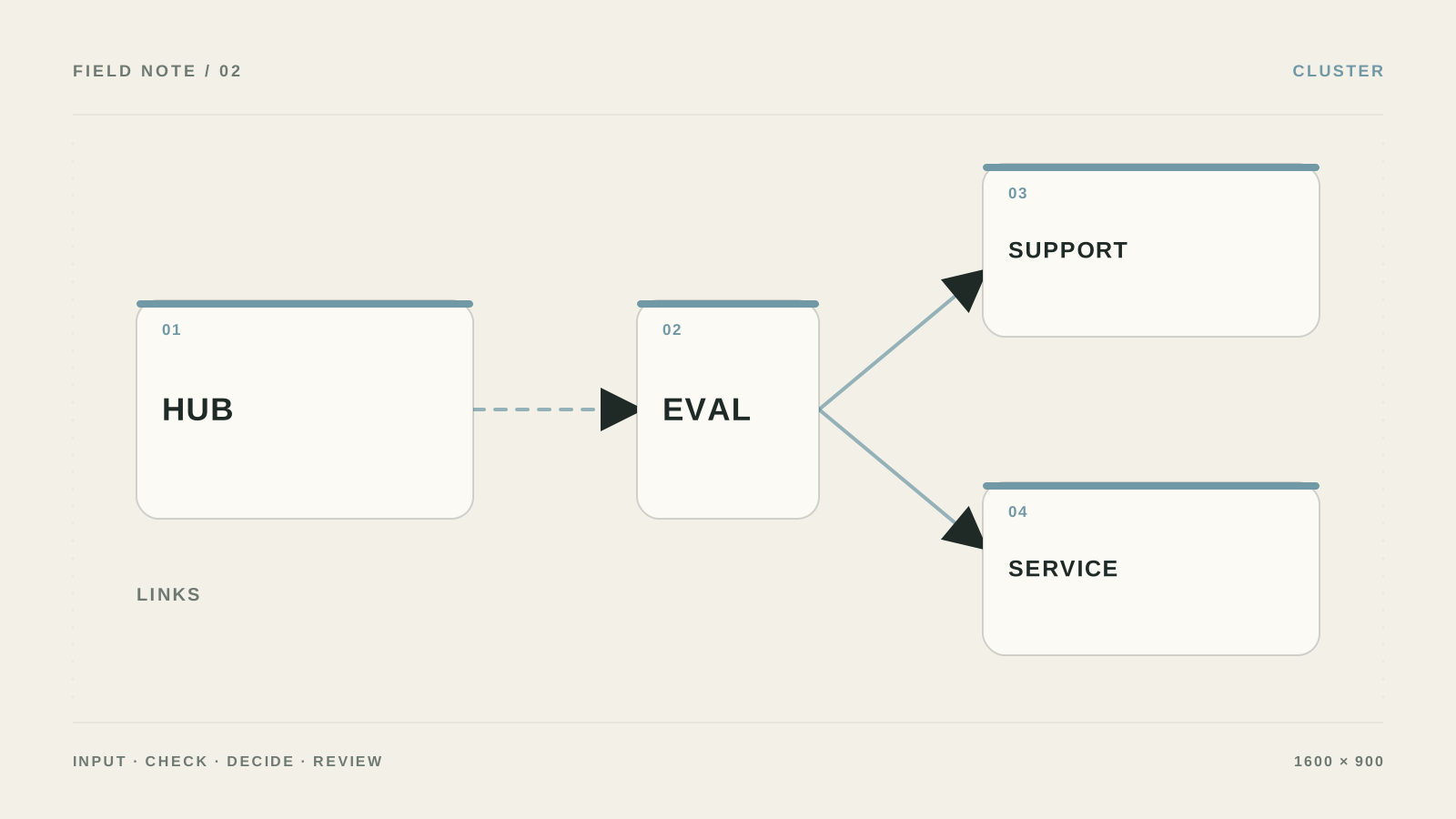
Create `url`, `primary_intent`, `secondary_intents`, `funnel_stage`, `canonical_topic`, `parent_hub`, `supports`, `target_cta`, `owner`, and `status`. The hub owns one broad question; supporting pieces own separate questions; the commercial page owns a concrete action.
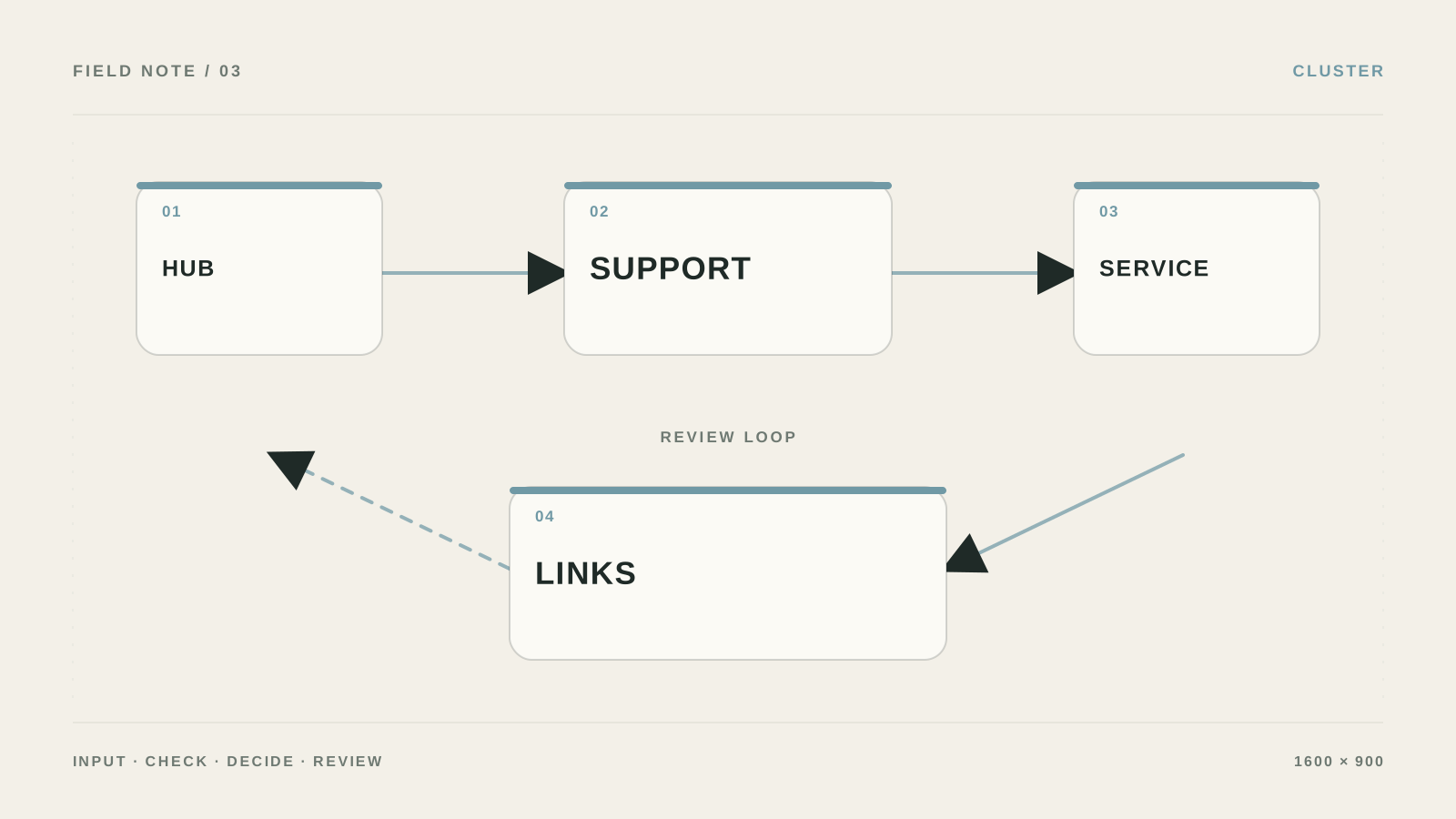
First link supporting articles to the hub and commercial page. Then add return links: the hub should lead to child materials, and a child article should only point to neighboring topics and the needed next step. Do not drop twenty links into every text.
Hub: /guides/crm-automation/
  ├─ /guides/crm-lead-routing/
  ├─ /guides/crm-follow-up/
  └─ /services/crm-automation/
I check the cluster after publication
For each page verify one H1, canonical, two meaningful internal links, a clear CTA, and no competing page for the same intent. In Search Console watch for several URLs ranking for the same query—that signals merge or separate the materials.
I assign an owner to every link
In the cluster table add `link_owner`, `last_checked`, and `broken_target`. After publication open the hub, child articles, and commercial page as a regular user: the next step should be clear without hunting the menu.
If two articles answer the same question, extra links will not fix it. Choose the primary page, move strong sections, set a 301, and update sitemap and internal links.
Which link helps the reader—and which just sits there
| Criterion | Question | Good sign |
|---|---|---|
| Input | What exactly goes into a topic cluster and internal linking? | Pick one primary intent and draw a map: hub → supporting pages → service/product. For each link, define the purpose of the click in advance. |
| Action | What is the system allowed to do on its own? | Only pre-listed actions, without access to the entire account |
| Verification | How do you know the result is acceptable? | Open any article and check for a link to the hub, a related question, and a commercial next step. |
| Failure | Where does an unclear case go? | Remove a decorative link and add one link that actually answers the reader’s next question. |
What should change after setup
Articles do not compete with each other; they help the reader move toward the right page.
Why even 100 articles may not form a cluster
Creating articles only for volume.
Linking everything to everything.
Using the same anchor everywhere.
Not guiding the reader to the page that solves their job.
When internal linking needs a site map
Bring in a specialist if there are many sections, languages, or old URLs, or if internal linking must be built around Search Console data.
What to check in one cluster
Who is this approach to topic clusters and internal linking for?
A cluster is not a pile of articles on one topic. You need a hub, supporting pieces, and a commercial page linked so the visitor can move from a question to a decision.
Where do I start if everything is still done manually?
Pick one primary intent and draw a map: hub → supporting pages → service/product. For each link, define the purpose of the click in advance.
How do I check that the setup will not cause harm?
Open any article and check for a link to the hub, a related question, and a commercial next step.
What if the result is unclear?
Remove a decorative link and add one link that actually answers the reader’s next question.