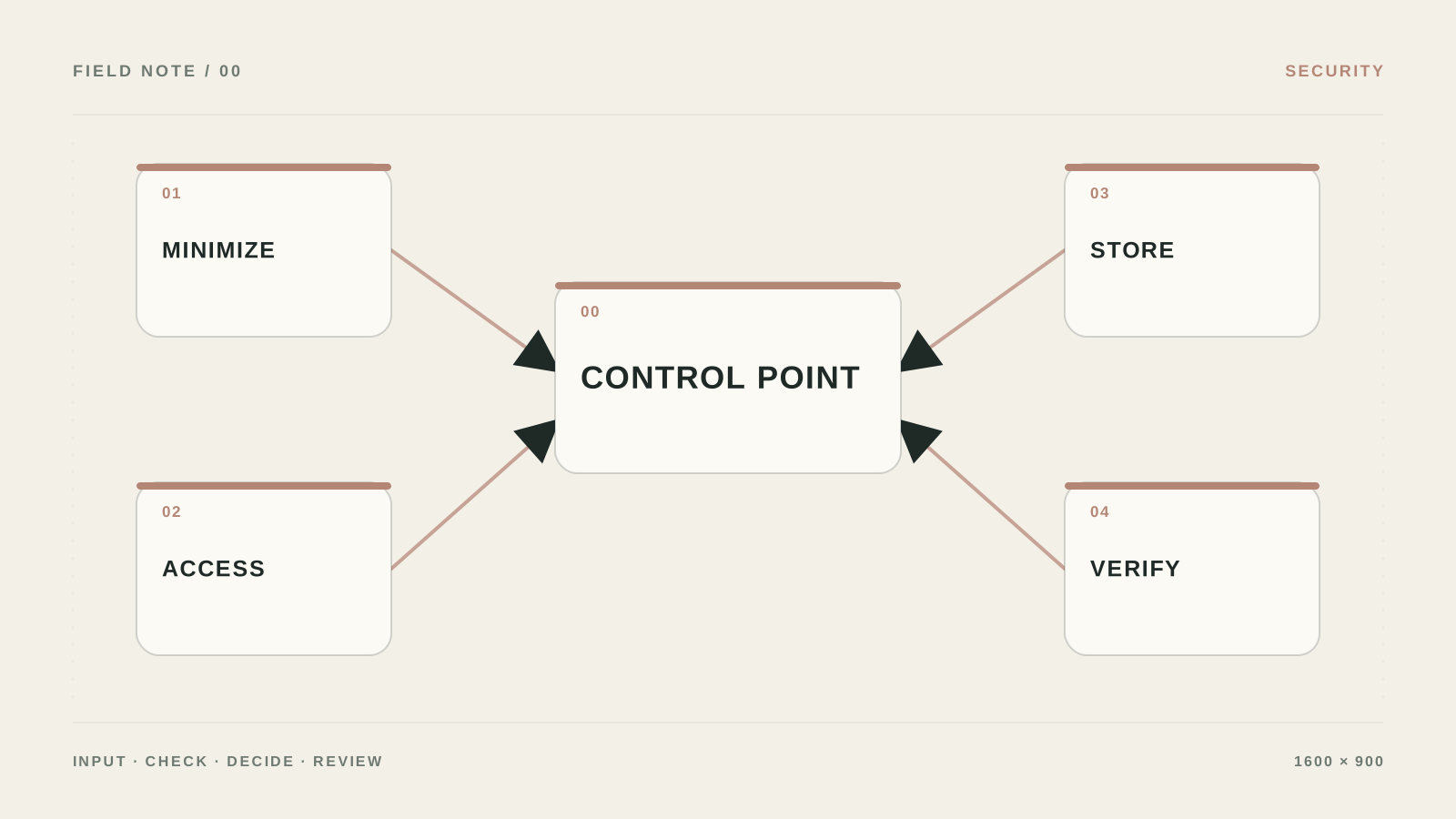
Which data must not go to AI without a check
What I would do if an employee sent a contract into AI and said, “It’s just text.” I would first map the data path: where the document appeared, who will see the run history, what goes to the cloud, and when everything is deleted.
The mistake I would remove first: “We just don’t send the full passport” is not a control if the text still has email, contract number, address, and a rare combination of attributes that make a person easy to identify.
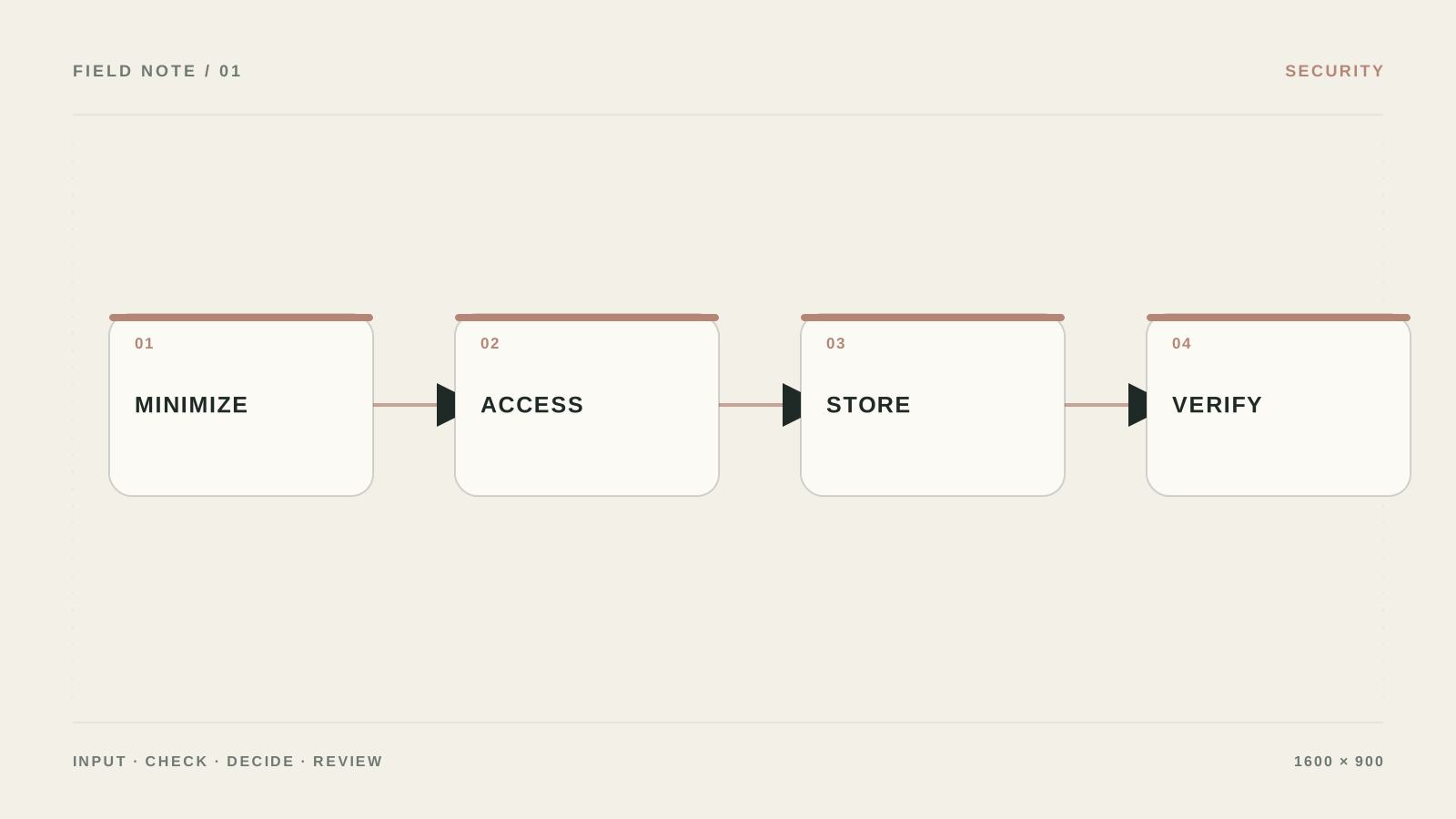
What to prepare and what result to expect
- Outcome: You have a minimal data set, separate permissions, and a clear path for dangerous input or actions.
- Create a registry of AI scenarios with fields for data, provider, purpose, retention, access, owner, and risk.
- Keep source data and access rights separate from the result so you can verify what data protection in the AI process did.
- Test prompt injection, a malicious instruction in an attachment, a foreign record_id, and an empty tool response.
Make a dangerous action impossible without approval
- Build a data map
For each AI step list fields, source, purpose, retention, region, and the role that may see them. Do not write “all customer data.”
Проверьте: Every field has a reason, and extras can be removed.
Если не сработало: Start with test or de-identified data.
- Limit credentials
In Credentials/Permissions settings grant read instead of write, one folder instead of the whole drive, one project instead of the entire CRM. Use a separate key for each workflow.
Проверьте: Revoking a key does not open access to the rest of the system.
Если не сработало: Verify permissions on a sandbox account.
- Filter input before AI
Before the model, remove passwords, tokens, full card numbers, and unnecessary personal data. Put Human approval before send, refund, delete, and update permissions.
Проверьте: The log has no secrets or sensitive fields the task does not need.
Если не сработало: Replace the value with a mask or an internal id.
- Assemble attack and failure cases
Test instructions in an attachment, record_id spoofing, an attempt to read someone else’s folder, limit excess, and an empty response. Every check should end in stop, retry, or handoff.
Проверьте: A dangerous scenario never reaches a real action.
Если не сработало: Revoke write rights until the root cause is fixed.
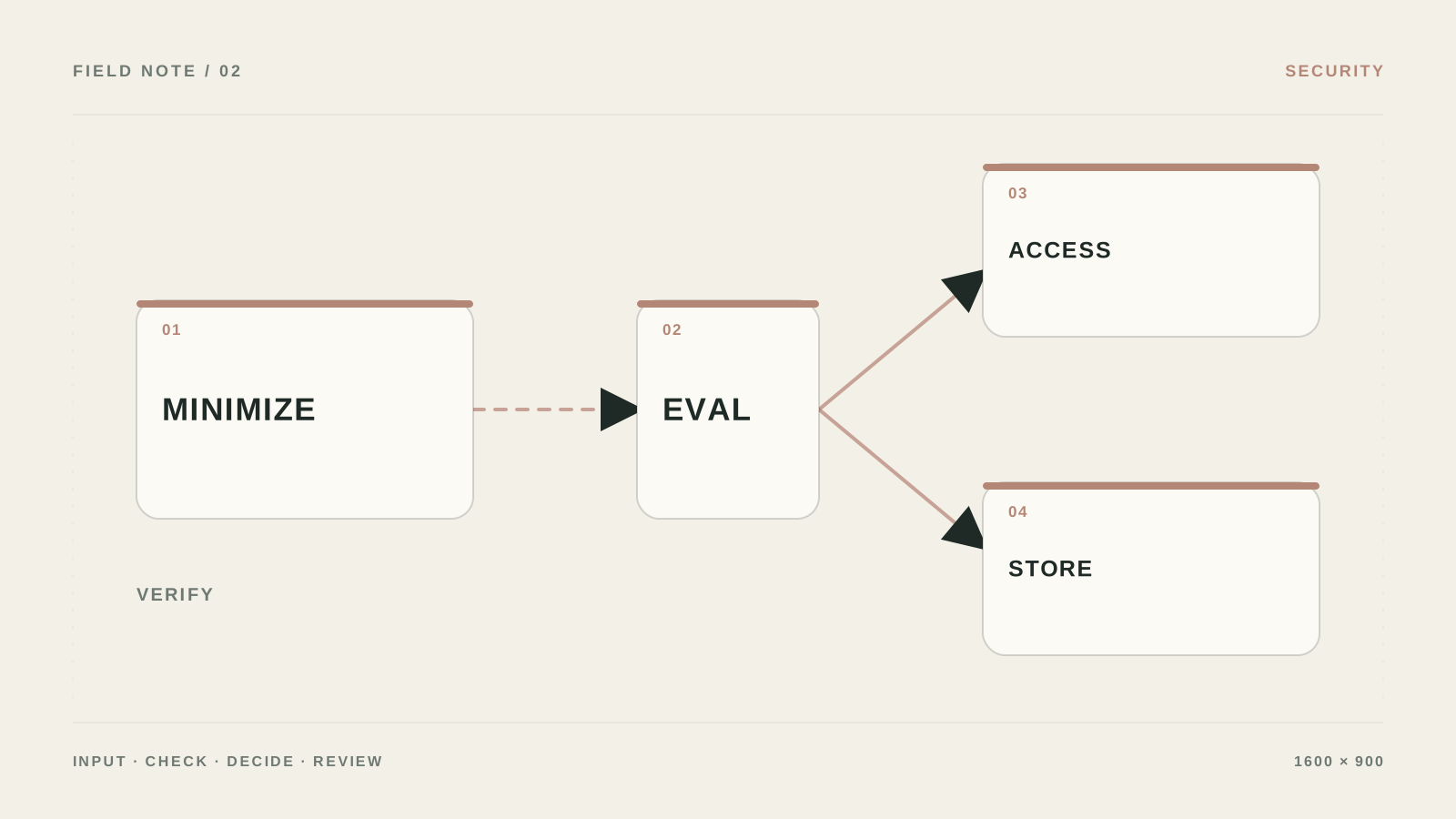
A data registry before the first request
Create a table for data_type, source, purpose, legal_basis, allowed_destination, retention_days, access_role, and deletion_owner. Separately mark passports, bank details, contracts, correspondence, and internal prices.
Minimization is not only masking a name. Before AI, drop fields the task does not need, replace the rest with CLIENT_001, and keep the mapping table separate. The response must not allow reconstructing original values through the prompt.
- Do not give a workflow access to an entire folder for one document.
- Check the vendor contract, storage region, training on your data, and deletion.
How to verify masking works
Create a test document with deliberate markers PASSPORT_TEST_001, CARD_TEST_002, and EMAIL_TEST_003. Inspect the payload before send, the provider payload, and the logs. If a marker passes beyond the local step, masking is in the wrong place or only applied to visible text.
A data registry before the first integration
Create `data_type`, `source`, `purpose`, `legal_basis`, `allowed_destination`, `retention_days`, `access_role`, and `deletion_owner`. Separately mark passport, contract, bank details, correspondence, and internal prices. AI receives only the fields required for the specific task.
Store API keys in `Credentials`, not in `Set`, `Code`, or a URL. For self-hosted n8n set a separate encryption key and limit saving execution data to what you need for incident review.
N8N_ENCRYPTION_KEY=<long_secret_key>
EXECUTIONS_DATA_SAVE_ON_SUCCESS=none
EXECUTIONS_DATA_PRUNE=true
EXECUTIONS_DATA_MAX_AGE=168
Masking checks with test markers
Create a test document with `PASSPORT_TEST_001`, `CARD_TEST_002`, and `EMAIL_TEST_003`. Check the payload before the model, the provider payload, and error logs. If a marker passes beyond the local step, masking is applied too late.
The same source value should get the same token within a run, and the mapping table should live separately, be encrypted, and have a TTL. Do not send raw data to Slack or email through the error branch.
What to leave to the model, and what to remove before it
| Criterion | Question | Good sign |
|---|---|---|
| Input | What exactly enters data protection in the AI process? | Create a registry of AI scenarios with fields for data, provider, purpose, retention, access, owner, and risk. |
| Action | What is the system allowed to do on its own? | Only prelisted actions, without access to the entire account |
| Verification | How do you know the result is acceptable? | Test prompt injection, a malicious instruction in an attachment, a foreign record_id, and an empty tool response. |
| Failure | Where do unclear cases go? | Stop the workflow, revoke tool access, keep a technical log without secrets, and review the latest actions. |
What should change after setup
You have a minimal data set, separate permissions, and a clear path for dangerous input or actions.
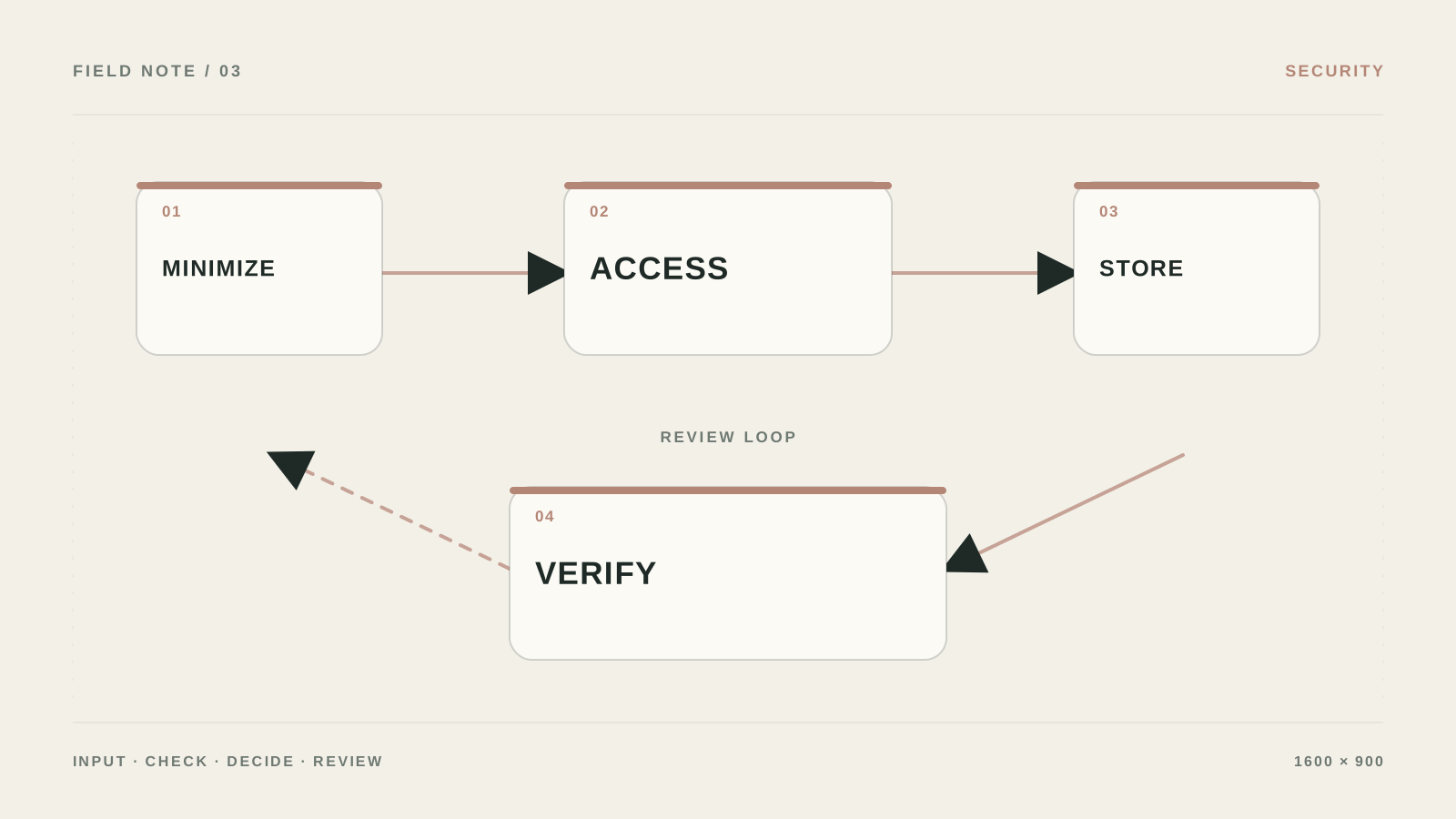
Where security breaks in access, not in the model
Treating the system prompt as protection against harmful input.
Logging personal data and secrets in full.
Using one admin key for every integration.
Having no owner who will revoke access during an incident.
When you need a separate security review
You need a specialist when medical, financial, or personal data is processed, multiple providers are involved, or a regulator has requirements.
What to check before connecting real data
Can you send customer emails into AI?
Only after checking the contract, retention policy, region, and necessity of each field. For tests, prefer de-identified text.
Is it enough not to show a secret in the response?
No. A secret must not enter input, context, logs, or tools that do not need it.
What if the agent’s response looks suspicious?
Stop the workflow, revoke access, keep a technical log without PII, and review the latest actions.
What is the first control to put in place?
Least privilege and mandatory confirmation before any action that is hard to undo.