How to find a process worth automating
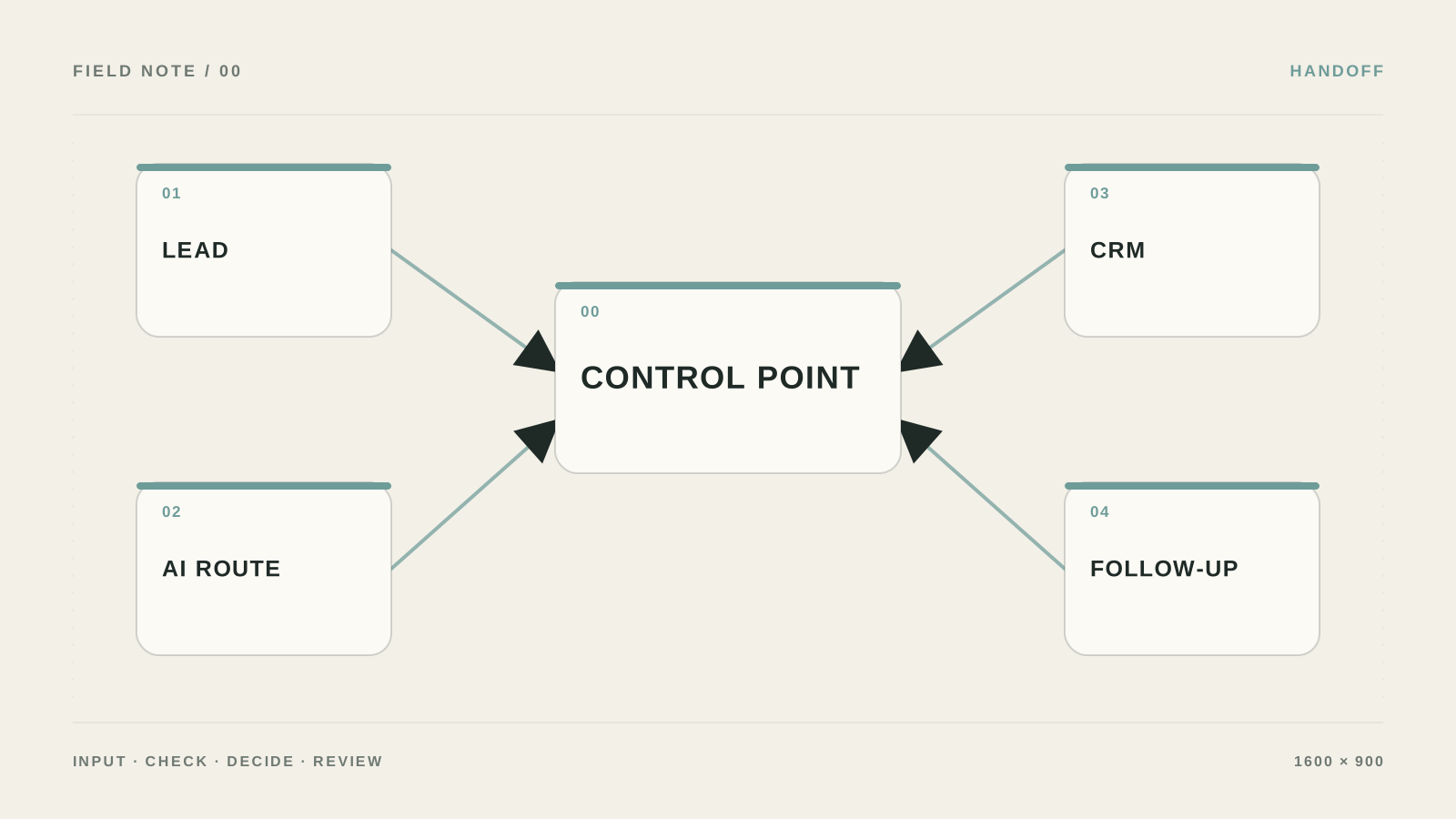
What I would do if someone said: “We urgently need AI in every department.” For a business AI audit I would not open a model catalog or buy ten more subscriptions. First I would map real processes, then pick one safe pilot.
The mistake I would remove first: Almost everyone starts with “which neural network should we plug in.” The right question is different: what input arrives, what result must leave, and who is allowed to accept it?
What to prepare and what result to expect
- Outcome: After the test you will not have an AI slide deck—you will have a prioritized process list and one safe pilot candidate.
- In a Processes table create fields: process, trigger, manual steps, frequency, cost of error, and owner.
- Keep source data and access rights separate from the result so you can audit what the first AI scenario actually did.
- Check five ordinary and five hard cases: empty email, duplicate, attachment, urgent request, and unknown topic.
Build a safe first test
- Build a process map
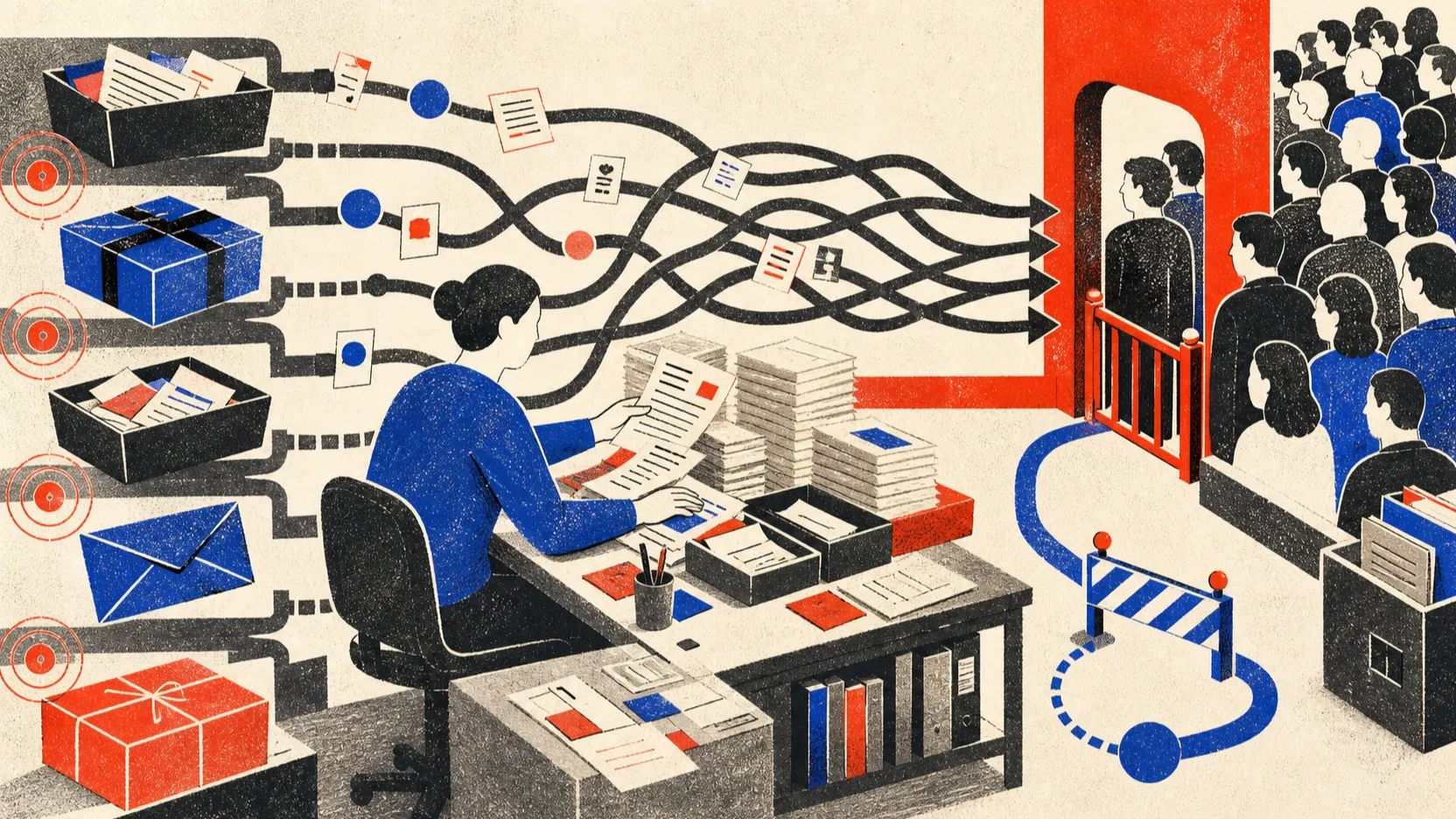
Write down what starts the work, which steps a person takes, where they decide, and how the process ends.
Проверьте: Each row has one person accountable for the outcome.
Если не сработало: Split the process into a narrower scenario, for example “triage a new request,” not “automate sales.”
- Separate AI from a plain rule
In the workflow builder add a Trigger: new request or email, then an AI step: classification. Ask the model to mark where text analysis is needed and where if/then is enough.
Проверьте: The answer can be checked against predefined categories.
Если не сработало: Remove AI and keep a rule if the condition can be described as an exact list.
- Give the model a safe task
Use this prompt: “Split the task into repeatable steps. Mark where text analysis is needed and where a rule is enough. Do not suggest tools.” Send the answer to a test table, not to CRM.
Проверьте: The result does not change customer data and includes an explainable category.
Если не сработало: Add a confidence field and route low confidence to manual review.
- Decide what moves into the pilot
Compare frequency, effort, cost of error, and reversibility. Pilot a high-volume process with a clear outcome, but without irreversible money or email sends.
Проверьте: There is an owner, a baseline metric, and a re-check date.
Если не сработало: Park the scenario if nobody can accept or fix the result.
The table I would start the audit with
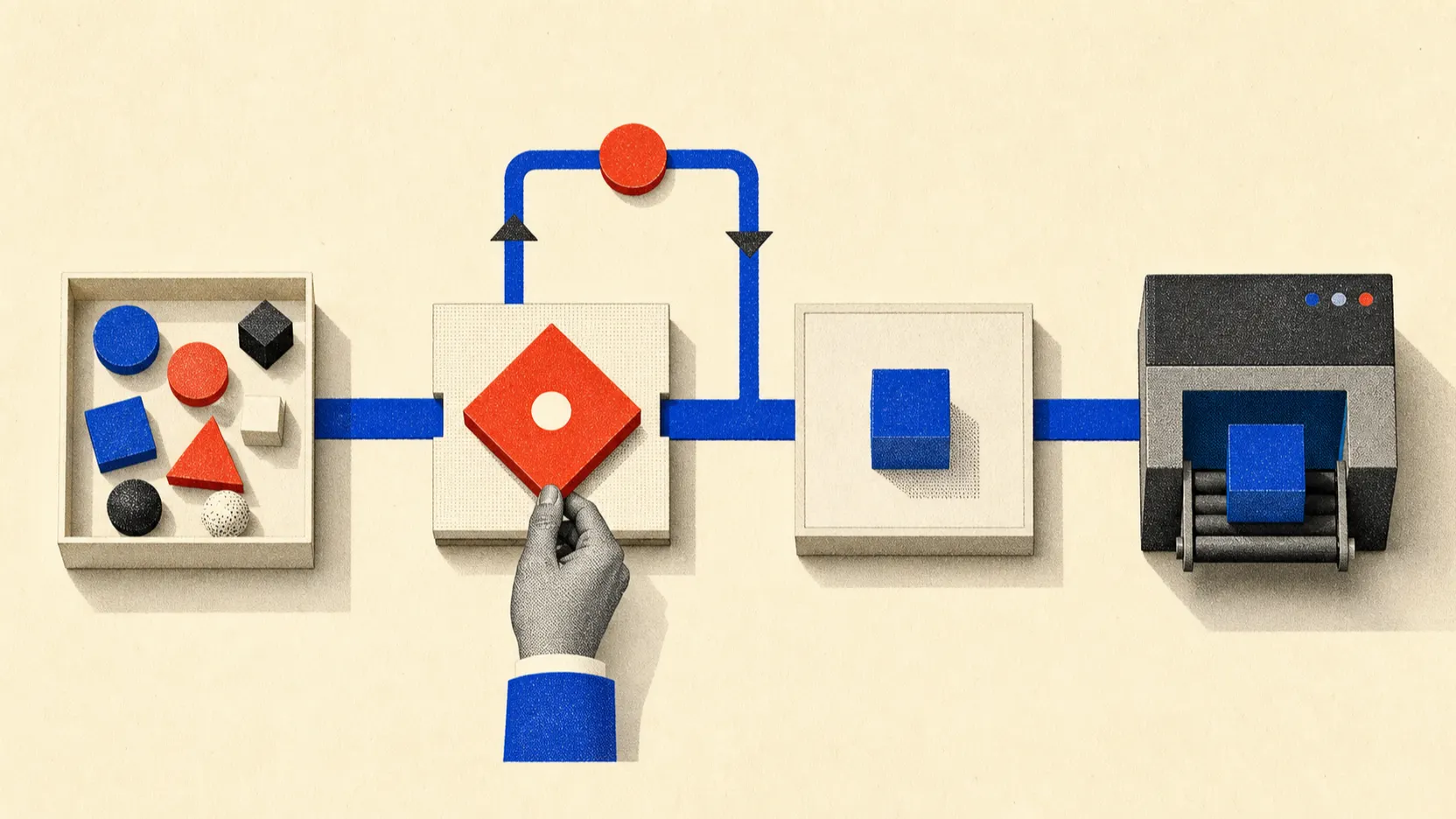
Open Google Sheets and create columns: process, trigger, volume per month, minutes per operation, manual steps, systems, cost of error, owner, reversibility. Fill five real rows, not twenty processes. Example: “triage inbound requests,” 240 per month, 8 minutes, form → email → CRM, error = lost lead, owner = sales lead.
In a separate column score 1 to 5 for repeatability, volume, and safety. The first pilot candidate should be frequent, text-based, reversible, and have a person who can undo the result.
- Do not write “automate sales.” Write “extract email and budget from a new request.”
- Do not put AI where a plain if/then rule is enough.
How to make a decision, not a presentation
Take three candidates and score simply: (volume × minutes × hourly cost) + cost of error. Then subtract risk: money, legal impact, irreversible send. Pilot not the flashiest scenario, but the one where you can restore the record to its prior state.
The first audit result is not a tool list. It is one row with an owner, a baseline, and a test set of ten ordinary and five nasty examples.
A working audit workflow
In n8n this can be `Manual Trigger → Google Sheets → Edit Fields → Code → IF → Slack/CRM`. In Make the same roles are `Watch Rows → Set variables → Router → Update row`. What matters is that AI does not choose tools here: it only helps break a process description into steps and exceptions.
In the `AI_USE_CASES` table add `process_id`, `department`, `owner`, `input_channel`, `manual_steps`, `runs_per_week`, `minutes_per_run`, `hourly_cost`, `systems_used`, `data_class`, `error_cost`, `baseline_metric`, `target_metric`, `priority_score`, `risk_score`, and `status`. Statuses: `discovered → scored → pilot → live → blocked → retired`.
priority = runs_per_week * minutes_per_run * hourly_cost
risk = data_sensitivity * error_cost * autonomy_level
A prompt that does not pitch trendy services
First send the answer to a test table, not to CRM. The model should return missing data and human decisions, not a list of platforms.
Break the business process description into repeatable steps.
Do not suggest tools and do not invent data.
Return JSON: process_summary, repetitive_steps, inputs, systems,
human_decisions, pilot, baseline_metric, risk_reasons, missing_data.
Where you need AI vs a simple rule
| Criterion | Question | Good sign |
|---|---|---|
| Input | What exactly enters the first AI scenario? | In a Processes table create fields: process, trigger, manual steps, frequency, cost of error, and owner. |
| Action | What is the system allowed to do on its own? | Only pre-listed actions, without access to the whole account |
| Verification | How do you know the result is acceptable? | Check five ordinary and five hard cases: empty email, duplicate, attachment, urgent request, and unknown topic. |
| Failure | Where does an unclear case go? | Stop writing to CRM, keep the input data, and return to the table: usually the owner or an exception is missing. |
What should change after setup
After the test you will not have an AI slide deck—you will have a prioritized process list and one safe pilot candidate.
Why AI pilots break before launch
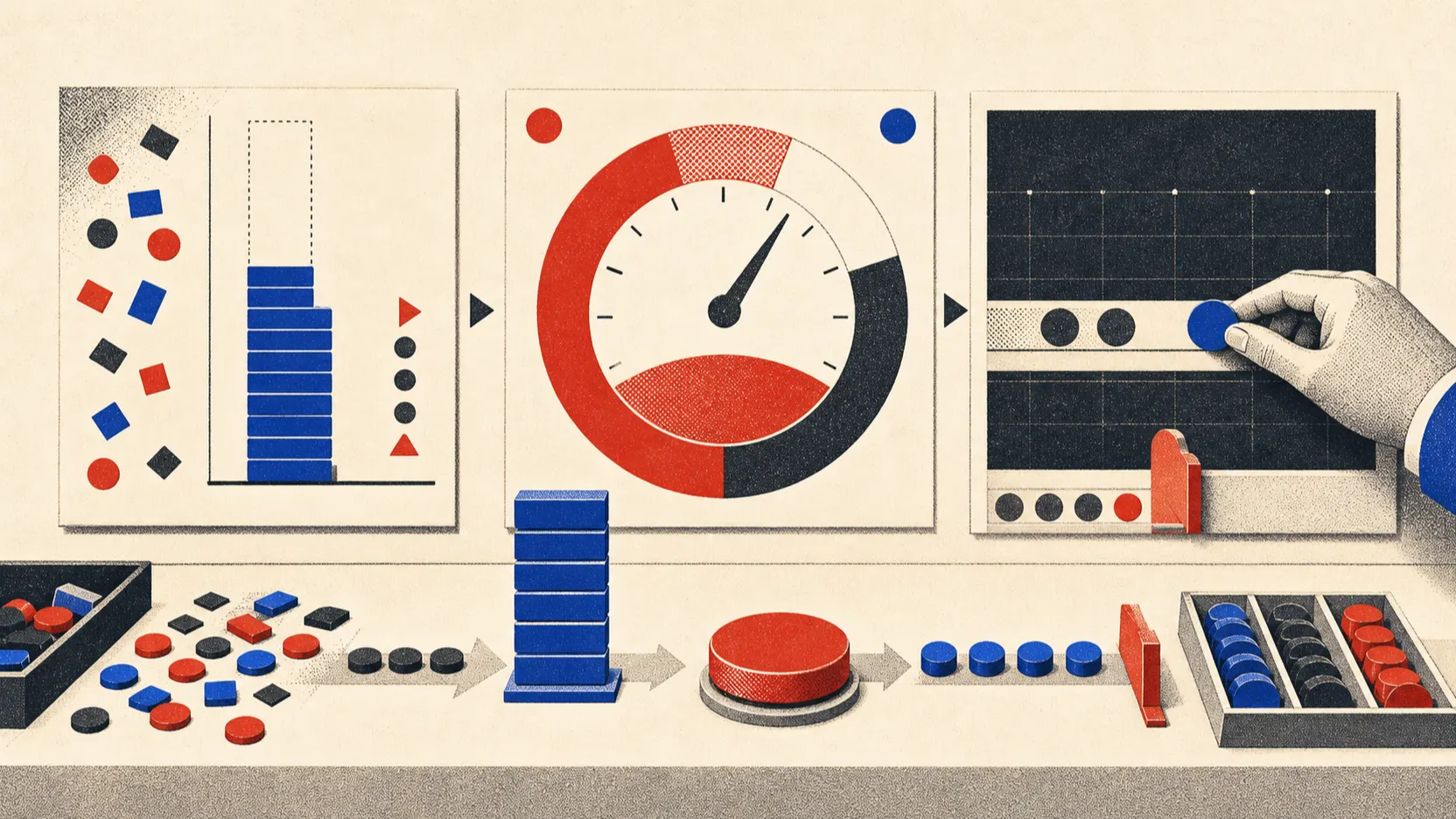
Buying a platform before you describe the data source and the owner.
Letting AI send emails or change records right away.
Treating the count of model answers as success instead of time saved or quality gained.
Not defining which cases must go to a human.
When you can no longer run the audit alone
Bring in a specialist if the audit spans multiple systems, personal data, or processes where errors affect money and legal obligations.
Questions before the first AI pilot
What should you pick first?
A repeatable text process with a reversible outcome: classifying inbound email, drafting a reply, or filling a draft record card.
When is AI not needed?
When the condition can be stated exactly with if/then and does not require understanding text.
How do you know the pilot worked?
Compare baseline time, quality, and manual corrections—not the number of runs.
How many processes should you review at once?
Start with 3–5 processes for comparison, but pilot only one.