Which CRM fields you can trust to AI
What I would do if after every call AI automatically filled twenty CRM fields. I would leave it a draft: conversation summary, next step, and a quote. Stage, amount, and forecast stay confirmed by the manager.
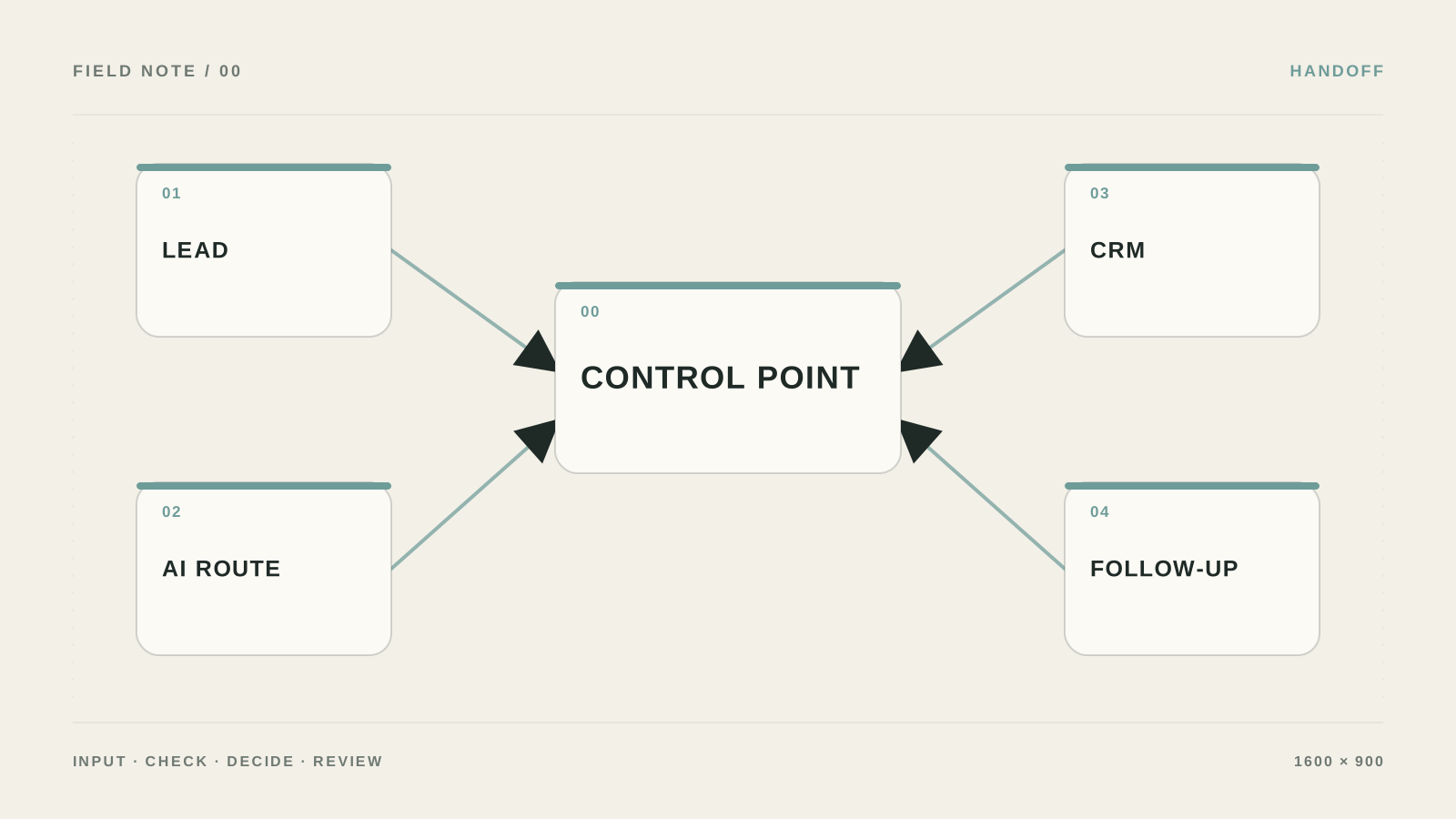
The mistake I would remove first: The nastiest failure: several integrations write to the same field, and later nobody knows the original value. CRM looks tidy from outside while decision history disappears.
What to prepare and what result to expect
- Outcome: The card becomes clearer, change history is preserved, and manual fields are not overwritten by multiple integrations.
- In CRM settings open Properties/Fields and add ai_summary_draft, ai_next_action, ai_confidence, source_event_id, and review_status.
- Keep source data and access rights separate from the result so you can audit what the AI layer in CRM actually did.
- Replay the same event_id and check the card history: there should be one processing run, and the original note should remain.
Add AI to CRM without breaking history
- Separate draft from source of truth
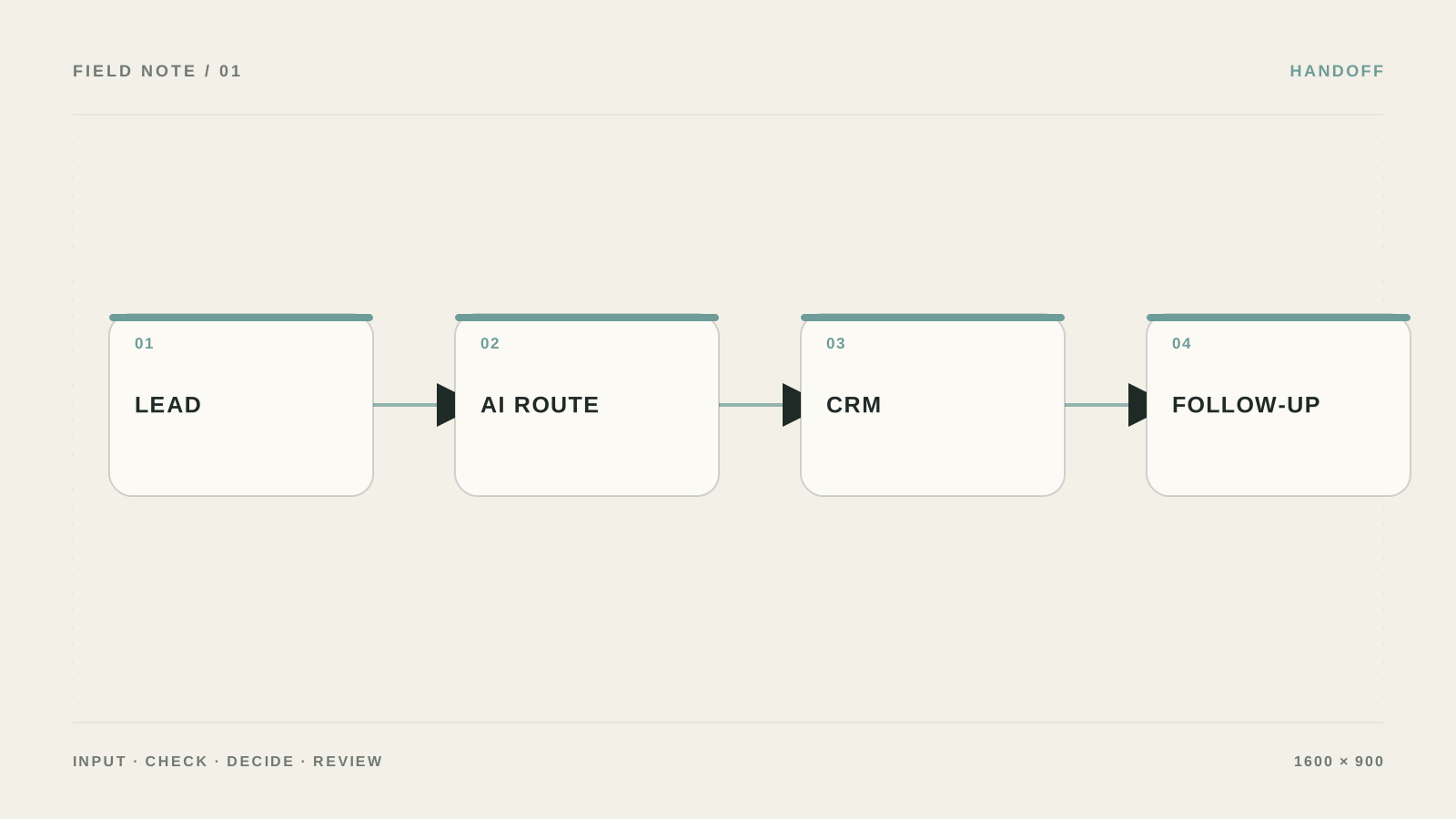
In the Workflow builder choose record updated, add AI: extract from note/email, and store the original text in a separate field. AI writes only to ai_* fields.
Проверьте: Manual stage, amount, owner, and consent do not change.
Если не сработало: Disable AI writes and leave draft mode only.
- Constrain allowed values
For stage, priority, and review_status define a value list. If AI returns a value outside the list—do not auto-fix it; send it to review_required.
Проверьте: An invalid response does not continue down the workflow.
Если не сработало: Add a separate validation step before Update record.
- Make runs idempotent
Before processing, look up source_event_id. If it already exists in history—stop; if not—write it with date and source name.
Проверьте: A repeated webhook does not double notes and tasks.
Если не сработало: Check that the id is created on the event side, not regenerated inside the AI step.
- Let the manager accept the proposal
In the notification show the old value, AI proposal, and original text. A button or review_status field should explicitly record approve or reject.
Проверьте: History shows who accepted the decision and why.
Если не сработало: Keep manual CRM changes mandatory and AI as a hint only.
Fields I would add to CRM
Create ai_summary_draft, ai_next_action, ai_confidence, source_event_id, and review_status. The first two are for the manager; source_event_id blocks duplicates; review_status handles approve/reject. Keep stage, amount, owner, and consent manual or under CRM rules.
In the workflow before Update record add a check: confidence below 0.75 or unknown enum value → status review_required. Do not auto-fix free text where CRM expects one of five allowed values.
- Keep the original note next to the AI summary.
- A repeated webhook with the same source_event_id must stop.
What a useful notification looks like
Show the old value, AI proposal, a quote from the note, and two buttons: approve and reject. The log should keep actor, timestamp, source_event_id, and final value. A month later you can debug not only model errors but also rule errors.
Where to create fields in HubSpot
Open `Settings → Data Management → Properties → Create property`. Create `AI summary` and `AI evidence` as multi-line text, `AI suggested stage` and `AI review status` as enumeration, `AI suggested amount` as number, `Next step due` as date, `Last AI run ID` as single-line text.
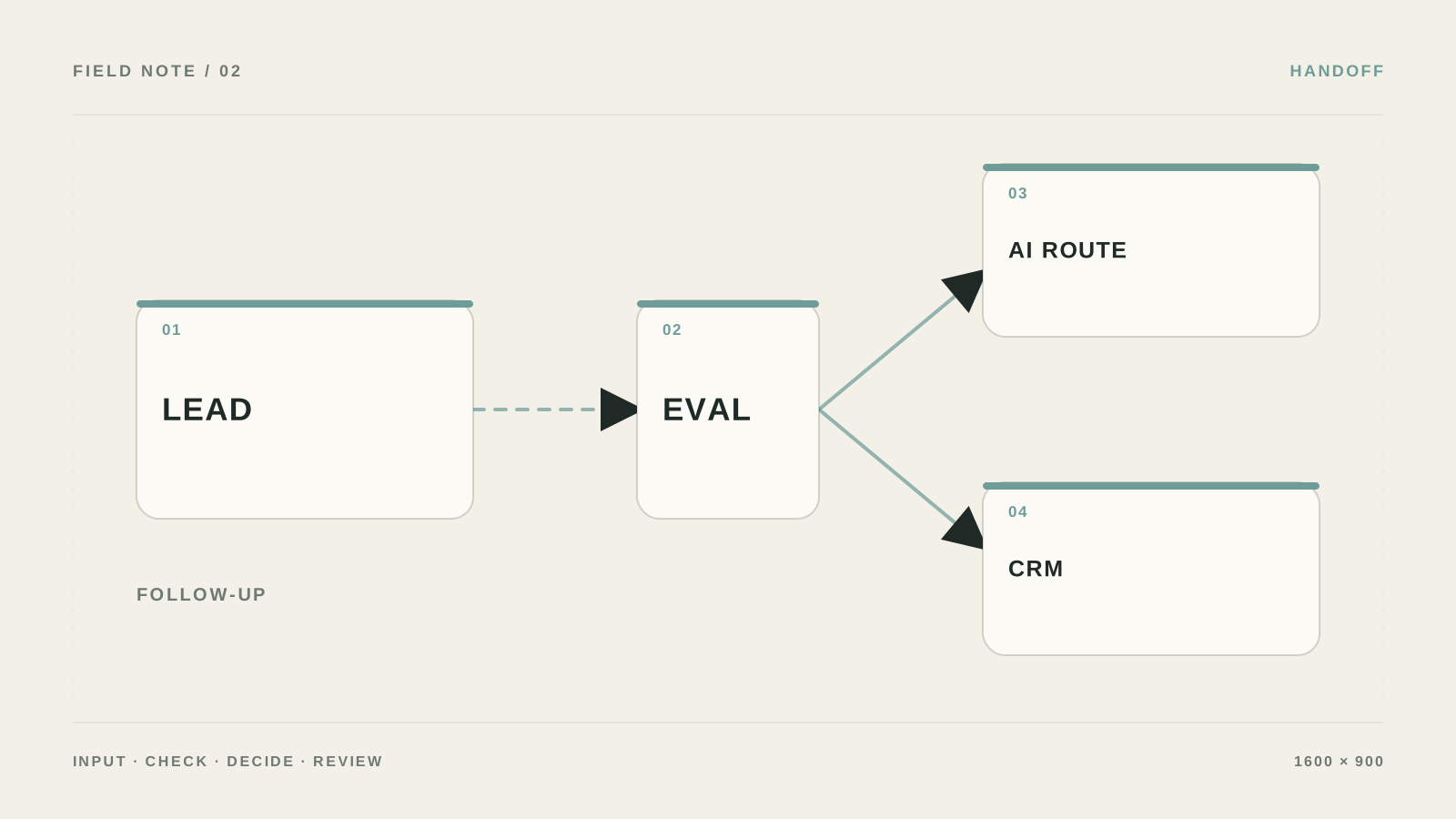
Statuses: `draft_update → needs_review → approved/rejected → applied/error`. Before `Update record` check that stage is in the enum, confidence is above threshold, and `Last AI run ID` has not been processed yet.
{
  "summary": "",
  "next_step": "",
  "suggested_stage": null,
  "suggested_amount": null,
  "evidence_quotes": [],
  "requires_review": true
}
Approval must show old and new
In the notification print the old value, AI proposal, a transcript quote, and links to the deal and source. Approve should write `approved_by`, `approved_at`, and `execution_id`; reject—`rejection_reason`. If the webhook retries, the second run stops on `transcript_id + deal_id`.
Where to leave a proposal vs a decision
| Criterion | Question | Good sign |
|---|---|---|
| Input | What exactly enters the AI layer in CRM? | In CRM settings open Properties/Fields and add ai_summary_draft, ai_next_action, ai_confidence, source_event_id, and review_status. |
| Action | What is the system allowed to do on its own? | Only pre-listed actions, without access to the whole account |
| Verification | How do you know the result is acceptable? | Replay the same event_id and check the card history: there should be one processing run, and the original note should remain. |
| Failure | Where does an unclear case go? | Stop the workflow, leave the card unchanged, and send the manager a link to the original note and the integration error. |
What should change after setup
The card becomes clearer, change history is preserved, and manual fields are not overwritten by multiple integrations.
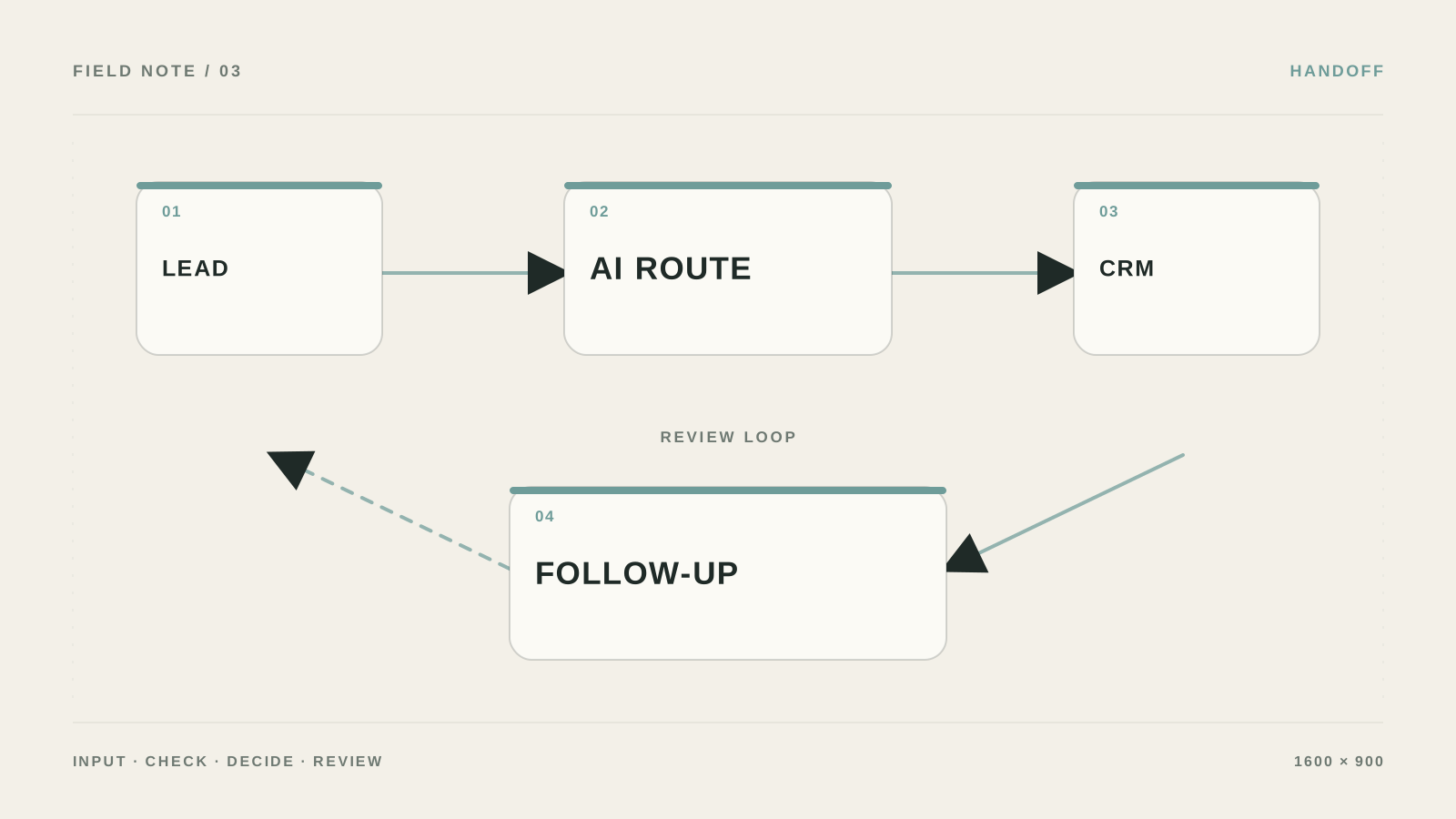
Why CRM quickly becomes an AI-field dump
Several integrations writing to the same field at once.
Keeping only the AI summary and deleting the original note.
Trusting free text where CRM expects an enum.
Not making webhook processing idempotent.
When the integration is better designed separately
Bring in a specialist when CRM is tied to multiple sources, needs role-based access, or full change history matters.
What to clarify before connecting AI to CRM
Which fields should not change automatically?
Amount, owner, deal stage, consents, legal statuses, and anything that triggers money or obligations.
How do you choose the source of truth?
Assign one system as owner of each field and state the sync direction explicitly.
Do you need an AI summary?
Only if it cuts reading time and a link to the original note stays nearby.
How do you test a repeated run?
Send the same event_id twice and check that the card changed once.