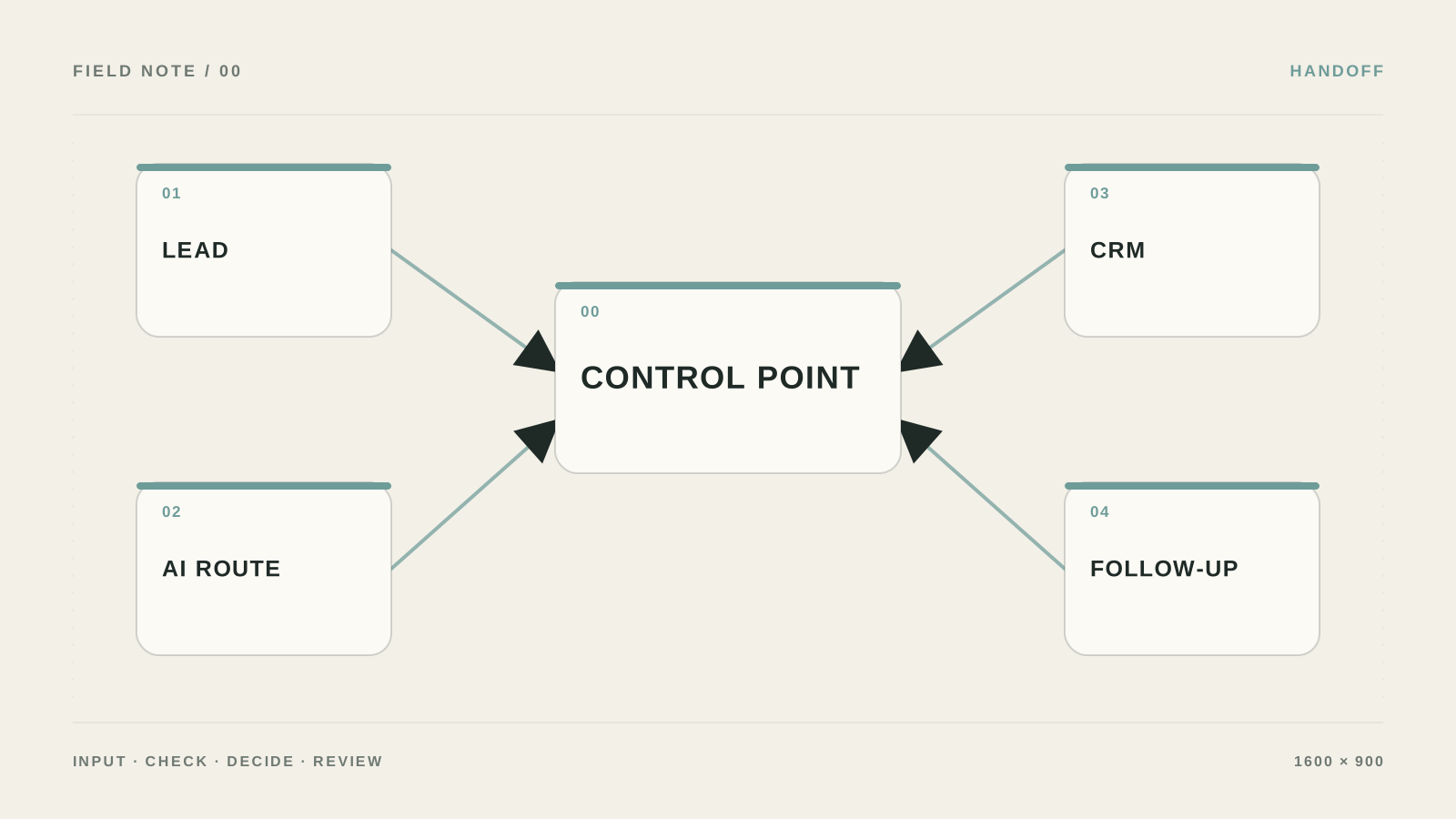
Which questions managers actually need
What I would do if a manager asked: “Let AI decide whether a lead is good.” I would not give the model a “decide the lead’s fate” button: the model extracts facts, and the final score is calculated by a plain rule.
The mistake I would remove first: If the answer does not change anything, it is not data—it is interrogation. The customer drops the chat, and the team gets another table nobody opens.

What to prepare and what result to expect
- Outcome: The lead gets a clear status, the manager sees why it is prioritized, and the customer does not repeat the same information across channels.
- Build a routing table: request type, required questions, priority, who receives it, and what counts as a hard case.
- Keep source data and access rights separate from the result so you can audit what inbound lead qualification actually did.
- Test short, incomplete, and conflicting answers. The bot should ask one next question or hand the dialog to a human—not invent data.
Set up qualification without an intrusive interrogation
- Keep only questions that change the route
List 3–5 questions and next to each write which action it triggers. If the answer changes nothing, remove the question.
Проверьте: A manager can explain why each question exists.
Если не сработало: Keep need and contact; ask the rest after handing off to a human.
- Make branching explicit
In the workflow add Router/Branch: ready for quote, needs clarification, urgent to human, not a fit. Do not ask AI to invent a new route.
Проверьте: Every status has a next step and an owner.
Если не сработало: First lock the allowed status list in a table.
- Forbid guessing
In the instruction write: “If the value is not stated explicitly, return null and ask one short question.” Keep the customer’s original answer next to the extracted field.
Проверьте: An empty field stays null instead of being filled with a guess.
Если не сработало: Send the card to manual review when answers conflict.
- Hand the result to the manager
In the notification show status, answers, unknown fields, a link to the dialog, and the recommended next contact. Do not send the customer a price unless a human confirmed it.
Проверьте: The manager knows the next action in 30 seconds.
Если не сработало: Make the AI reply a draft and add an approve button.
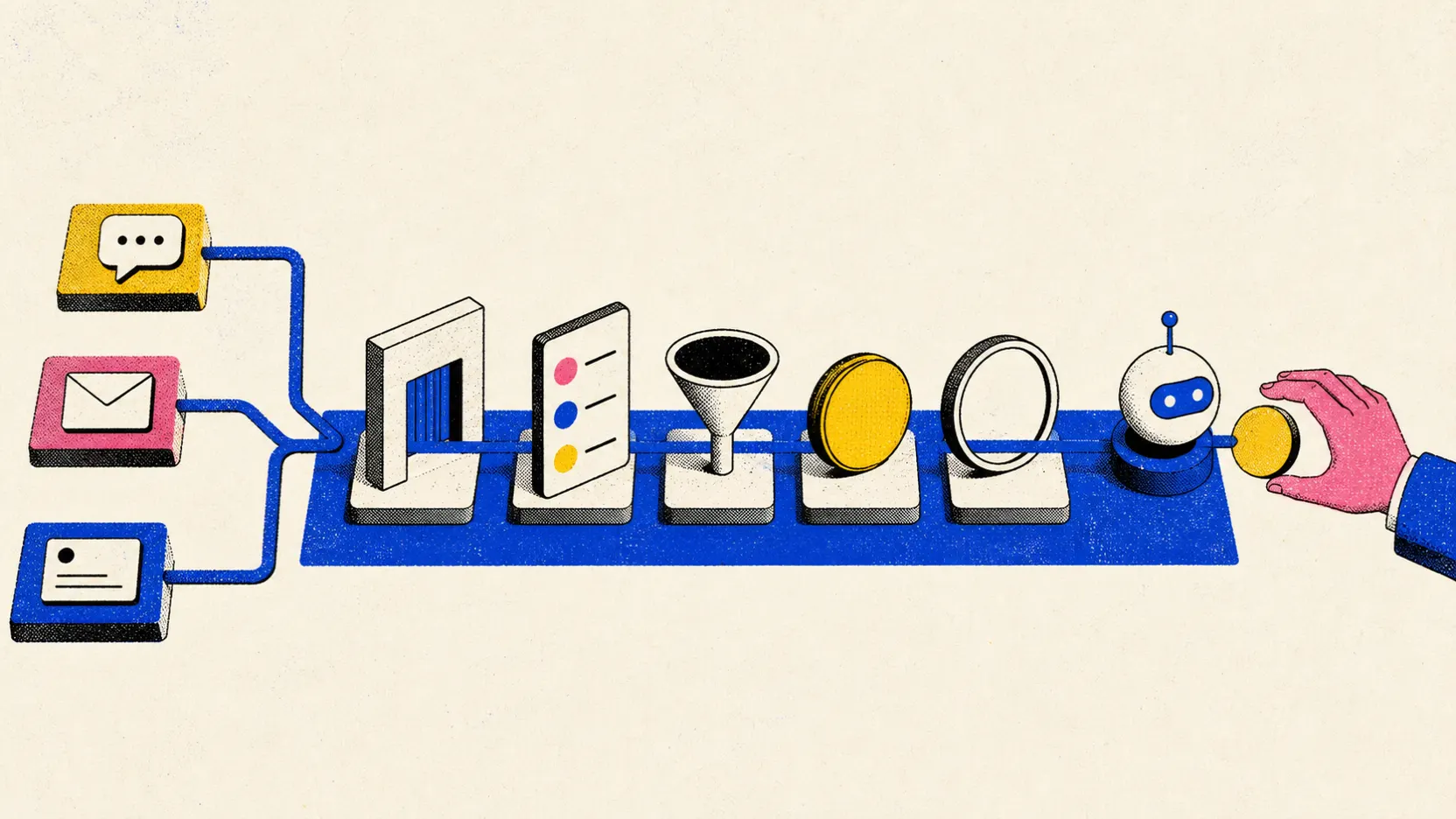
Write down four routes first
In the table create status: ready_for_quote, needs_info, human_now, and not_a_fit. Next to each put the next action and owner. Example: budget not stated → needs_info; complaint or legal question → human_now; request fits region and timeline → ready_for_quote.
Ask the bot to extract only what was stated explicitly. If someone wrote “about the same as the competitor,” that is not a budget. Return null and one short question—not a guess.
- Show the customer a “Call a human” button on every step.
- Do not set high priority from exclamation marks or rude tone.
Minimal dialog script
First message: “I can help route your request. What do you need done?” Second—only after the answer: “By when?” Third: “What is the best way to reach you?” Ask budget only if product or route depends on it.
Write question_count, status, missing_fields, and transcript_url into the CRM card. That shows where people drop off so you can cut extras instead of rewriting the prompt blindly.
Separate fit and intent
In n8n the chain looks like: `Webhook → Normalize → OpenAI Extract Evidence → Structured Output Parser → Code → IF → Switch → CRM Update`. The model returns only facts and short quotes. `Code` calculates `fit_score`, `intent_score`, `data_completeness`, and `total_score` with published weights.
Example: fit 0–40, intent 0–40, completeness 0–20. Store `score_version` so formula changes do not rewrite history for old leads.
total_score = fit_score + intent_score + data_completeness
if total_score >= 70: status = 'sales_queue'
elif total_score >= 45: status = 'manual_review'
else: status = 'nurture'
JSON with evidence only
In structured output require `industry_match`, `use_case_match`, `timeline`, `budget_signal`, `evidence`, and `missing_fields`. If budget was not stated, it must be `null`. Do not use model `confidence` as a stand-in for facts: a confident answer does not become true.
{
  "timeline": "this month",
  "budget_signal": null,
  "evidence": ["Launch by end of month"],
  "missing_fields": ["budget_range"]
}
When to ask a question vs hand off to a human
| Criterion | Question | Good sign |
|---|---|---|
| Input | What exactly enters inbound lead qualification? | Build a routing table: request type, required questions, priority, who receives it, and what counts as a hard case. |
| Action | What is the system allowed to do on its own? | Only pre-listed actions, without access to the whole account |
| Verification | How do you know the result is acceptable? | Test short, incomplete, and conflicting answers. The bot should ask one next question or hand the dialog to a human—not invent data. |
| Failure | Where does an unclear case go? | Save the dialog and set needs_human; stop asking questions if the customer clearly asks for a person. |
What should change after setup
The lead gets a clear status, the manager sees why it is prioritized, and the customer does not repeat the same information across channels.

Why AI qualification scares customers away
Asking ten questions before the first useful reply.
Assigning high priority based on the customer’s emotional words.
Treating missing budget as a bad lead.
Not giving the customer a clear “call a human” button.
When a simple question script is no longer enough
You need a dedicated setup if qualification spans different products, regions, pricing rules, or personal data handoffs across channels.
What to check before launching the bot
Who is this inbound lead qualification approach for?
Good AI qualification does not interrogate the customer. It asks a few questions that actually change the route: need, timeline, budget range, and preferred contact method.
Where to start if everything is still manual?
Build a routing table: request type, required questions, priority, who receives it, and what counts as a hard case.
How do you check the setup will not hurt you?
Test short, incomplete, and conflicting answers. The bot should ask one next question or hand the dialog to a human—not invent data.
What if the result is unclear?
Save the dialog and set needs_human; stop asking questions if the customer clearly asks for a person.