First collect leads into one clear queue
What I would do if leads came from a form, Telegram, email, and ads, while managers replied “when they see them.” First I would make every lead land in one queue, avoid duplicates, and get an owner.
The mistake I would remove first: The most common break: the bot replies to the customer but does not save the original text, email, and source. A week later nobody can tell where the lead came from or why the manager never handled it.

What to prepare and what result to expect
- Outcome: Every new lead lands in one queue, gets a status and owner, and the manager sees what is already known and what is missing.
- In CRM or a table create fields lead_id, source, name, email, company, request_text, budget_text, deadline_text, status, and owner.
- Keep source data and access rights separate from the result so you can audit what the inbound lead queue actually did.
- Submit one lead twice, a lead without email, and a lead with an attachment. There should be one card, and missing fields should be null or needs_info.
Set up lead parsing without duplicates
- Bring channels into one schema
Connect form, email, Telegram, or webhook to one workflow. As the first step add Normalize text: strip signatures, extra HTML, and normalize phone to one format.
Проверьте: The same lead from form and email has the same fields.
Если не сработало: Normalize format before AI—do not force the model to parse five variants of one date.
- Ask AI only to extract facts
Use this rule: “Fill only explicitly stated data. Leave missing fields null. Return JSON with name, email, need, and missing_fields.” Do not ask it to guess budget or deadline.
Проверьте: Every filled value can be found in the original text.
Если не сработало: Show the original text to the manager and add confidence or needs_info.
- Check for duplicates before creating a record
Before Create record add Find record by email. If found—update the note and create a task; if not—create the lead. For leads without email use phone or a temporary lead_id.
Проверьте: A resubmit does not create a second card.
Если не сработало: Do not match only on company name: it is often spelled differently.
- Send the manager a short summary
In the notification show source, need, missing fields, a link to the original lead, and the next step. Do not hide the original text behind an AI summary.
Проверьте: The manager can reply without opening five different channels.
Если не сработало: Make the notification a draft and assign a queue owner.

Nighttime lead path
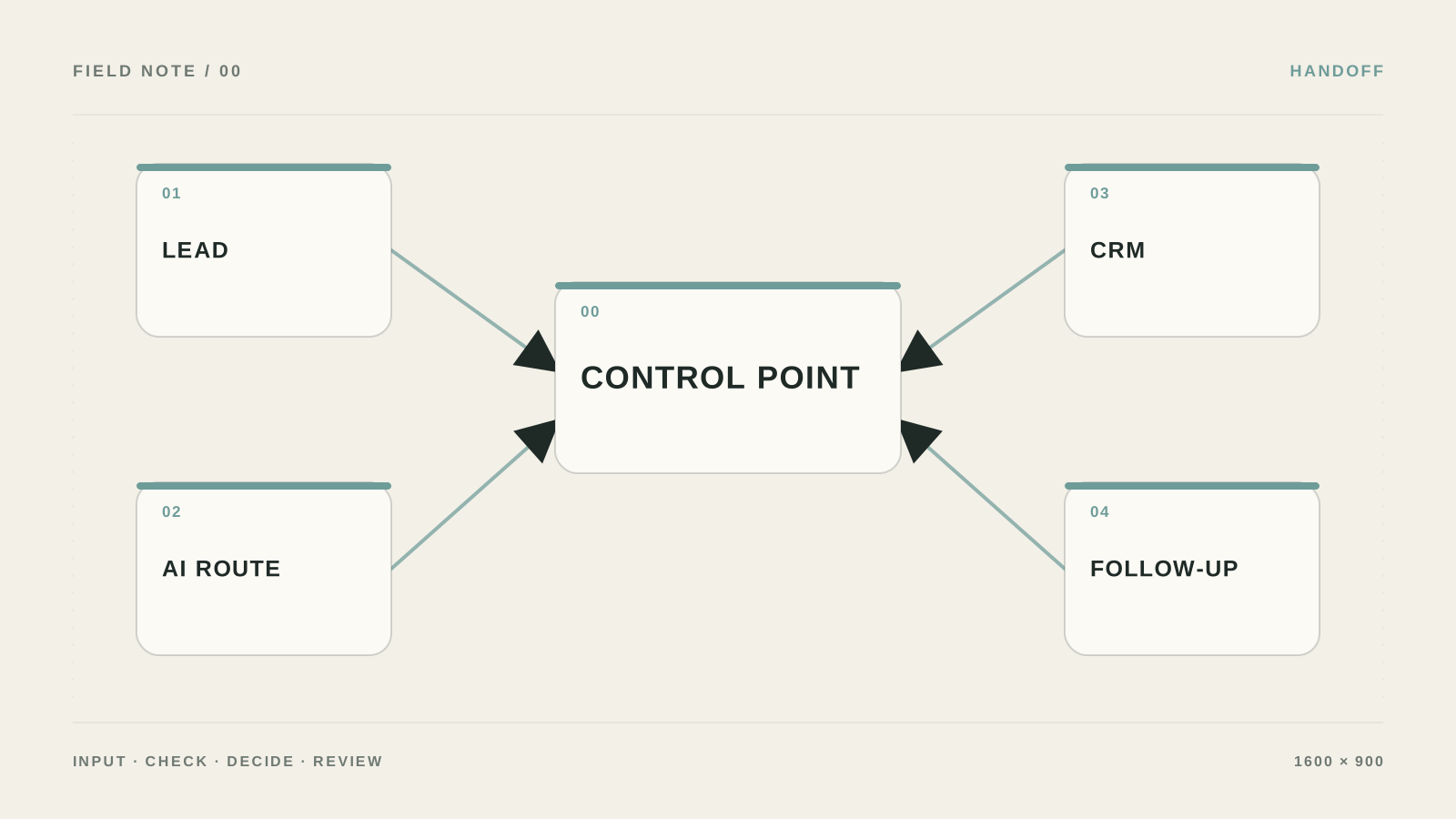
Build the chain: Form/Webhook → Save raw lead → AI Extract → Validate required fields → Find duplicate → Create or Update CRM record → Notify owner. In n8n this is usually Webhook, Set, OpenAI/LLM, IF, CRM node, and Slack/Telegram. In Make—Webhooks, JSON Parse, AI, Router, Search records, and Create record.
Before AI save raw_text, received_at, source, and external_id. After AI allow changes only to name, email, need, budget_text, and missing_fields. owner, status, and consent must be set by rules, not the model.
- For a form without email match duplicates by phone or external_id.
- If a required field is missing, set needs_info—not “qualified.”
{
  "name": null,
  "email": null,
  "need": "air conditioner repair",
  "missing_fields": ["phone"],
  "confidence": 0.91
}
What the manager should see
The notification should answer three questions: who wrote, what they want, and what to do next. Show a link to the original lead, source, filled fields, and missing_fields. Do not send the manager only a polished AI summary—always keep the original next to it.
After testing, submit the same form twice, a lead without email, and a lead with an attachment. The output should be one card, one owner, and a clear processing status.
Form intake settings
In n8n set `Webhook`: `HTTP Method = POST`, `Path = lead-intake`, `Respond = Immediately`, signature check in the header, and a separate `Edit Fields` for normalization. In Make start with `Webhooks → Custom webhook`, then enable error handling and save the inbound bundle.
Before AI save `raw_payload`, `received_at`, `source`, and `external_id`. After AI allow changes only to `name`, `email`, `need`, `budget_text`, and `missing_fields`. `owner`, `status`, and `consent` are set by rules.
{
  "name": "Ivan",
  "email": "ivan@example.com",
  "request": "Need sales team automation",
  "source": "website",
  "consent": true
}
Duplicate check before Create record
First normalize email: trim, lowercase, strip spaces. Then `CRM Search by email`. If a record is found—update the note and create a task. If not—create the contact. For a lead without email use phone or a stable `external_id`, not company name.
Put `missing_fields.length > 0` into a separate `IF`. That lead gets `needs_data` and a short clarification, not a confident price or deadline offer.
- Send the same payload twice: CRM should keep one card.
- Save the original text even if AI extracted fields successfully.
Which fields can be filled automatically
| Criterion | Question | Good sign |
|---|---|---|
| Input | What exactly enters the inbound lead queue? | In CRM or a table create fields lead_id, source, name, email, company, request_text, budget_text, deadline_text, status, and owner. |
| Action | What is the system allowed to do on its own? | Only pre-listed actions, without access to the whole account |
| Verification | How do you know the result is acceptable? | Submit one lead twice, a lead without email, and a lead with an attachment. There should be one card, and missing fields should be null or needs_info. |
| Failure | Where does an unclear case go? | Save the original text in a separate field, set status needs_review, and do not send the customer an automatic reply. |
What should change after setup
Every new lead lands in one queue, gets a status and owner, and the manager sees what is already known and what is missing.

Where an auto-responder starts hurting sales
Asking AI to guess budget, title, or deadline.
Matching duplicates only by company name.
Deleting the original lead after extracting fields.
Sending a confident auto-reply when required data is missing.
When one form and a simple workflow are no longer enough
You need a specialist when leads cross multiple channels, involve personal data, or must trigger different CRM routes.
What to check before turning on the auto-responder
What to do with a lead without email?
Save the original text, set needs_info, and ask the manager or customer to confirm contact details.
Should you store the original lead?
Yes. Otherwise the manager cannot verify that AI extracted fields correctly.
Is automatic reply OK?
Yes, but only for limited FAQ. Hand complex, expensive, and legally sensitive requests to a human.
How not to miss a nighttime lead?
Set up a queue with an owner and SLA, not only a notification in a shared chat.