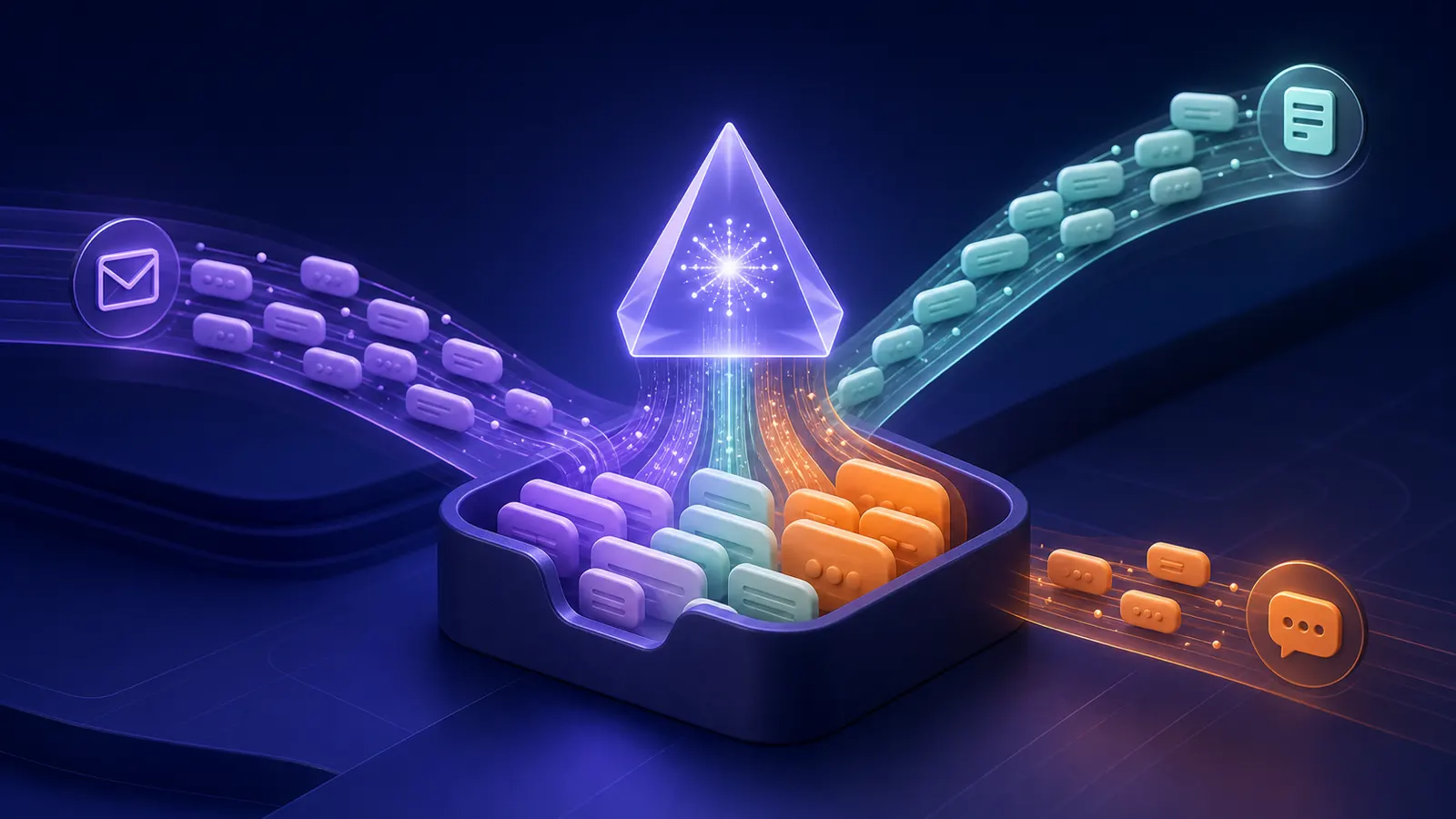
First save inbound messages, then process them
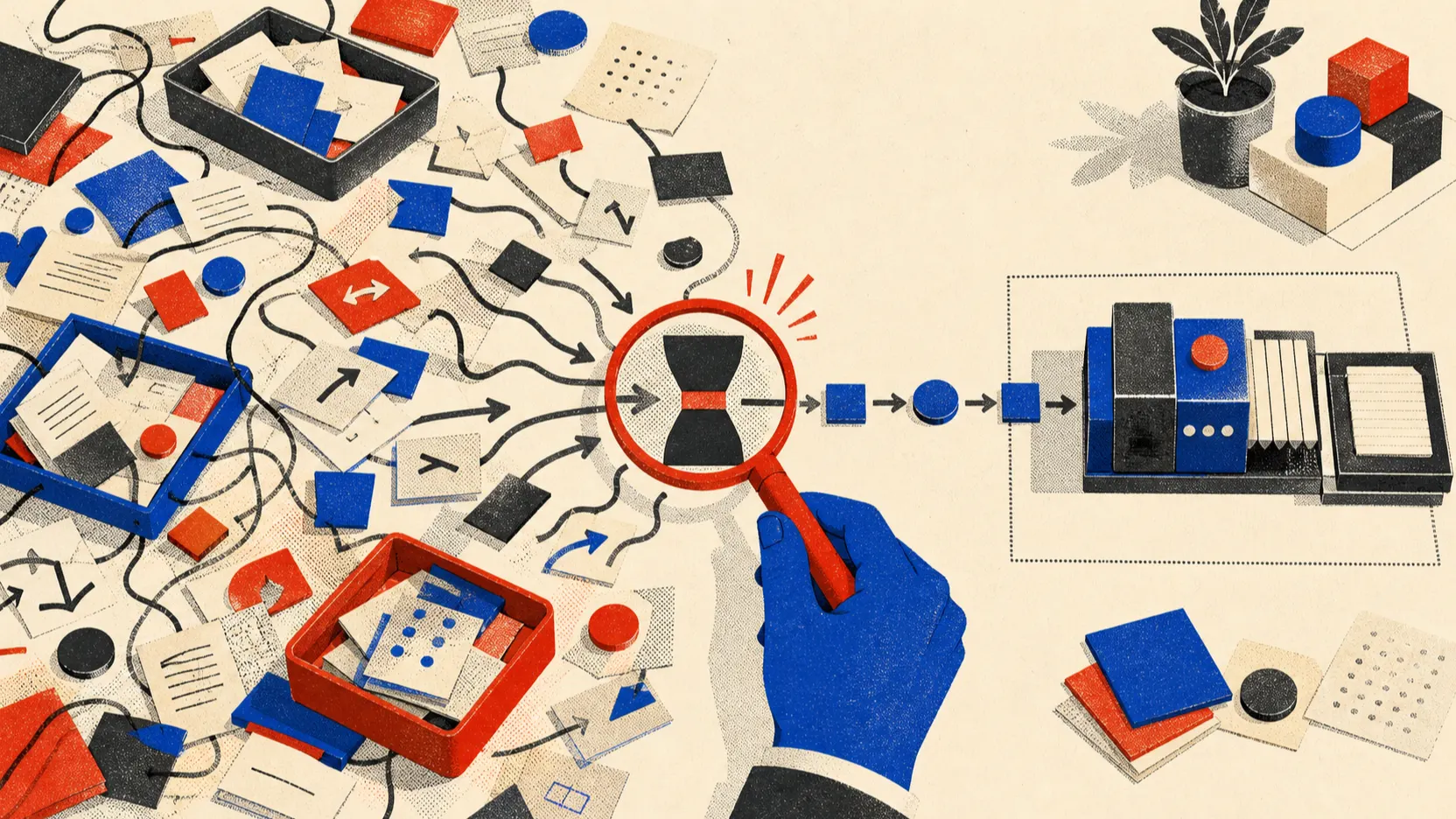
I would not start with “let’s dump everything into one chat.” First I would save every inbound message separately—otherwise the first classifier error destroys source data and history.
The mistake I would remove first: A shared inbox without external_id, owner, and SLA becomes a dump: messages are visible to everyone, but nobody is accountable.
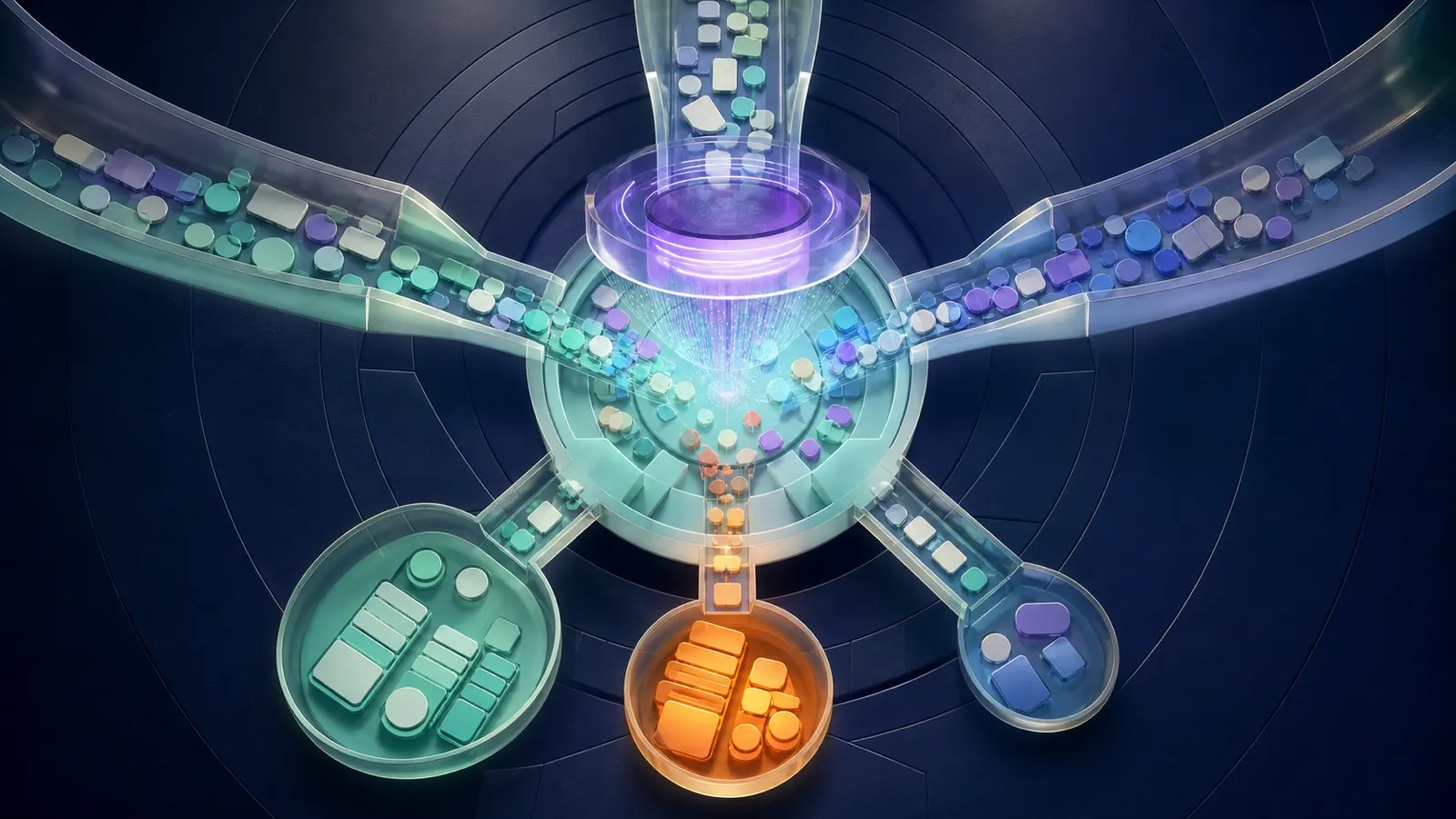
What to prepare and what result to expect
- Outcome: Email, form, and messenger messages follow one path, do not duplicate, and do not get lost between shifts.
- Describe channels and fields: channel, external_id, received_at, sender, text, attachments, intent, priority, status, and owner.
- Keep source data and access rights separate from the result so you can audit what the unified AI inbox actually did.
- Send the same message from two channels, a message with an attachment, and a message after business hours.
Build a working queue from email, forms, and messengers
- Save the original before AI
Write every webhook or email into raw_inbox first with external_id and timestamp. Only then run classification.
Проверьте: You can open the original message even if the AI step failed.
Если не сработало: Disable automatic email deletion and enable an error log.
- Normalize text and attachments
Add a Normalize step: extract text, file name, attachment type, and source link. Do not pass passwords or secrets from signatures into the model.
Проверьте: The same phrase from email and form looks the same to the classifier.
Если не сработало: Handle PDF, images, and empty email separately.
- Assign queue and deadline
After intent add Router: sales, support, documents, urgent to lead. For each branch set owner and SLA, for example reply by end of business day.
Проверьте: Every message has status and owner.
Если не сработало: Send unknown topics to shared triage, not a random branch.
- Close the loop
After the reply store sent_at, outcome, and a link to the card. If an employee corrected classification, record the reason for future tests.
Проверьте: You can measure not only inbound volume but time to first response.
Если не сработало: Add a manual resolution field and a weekly queue review.
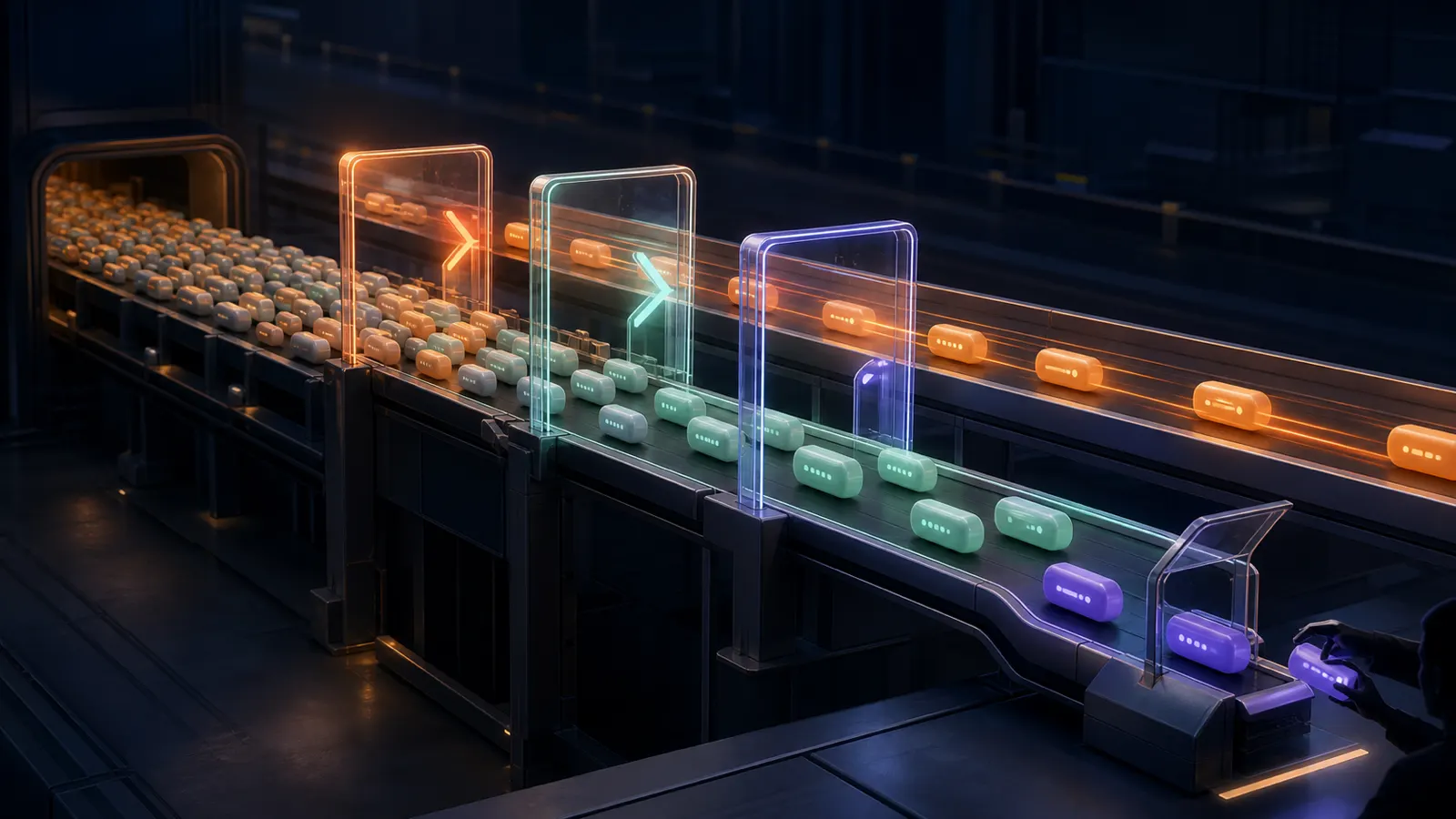
Unified intake schema
Before AI write channel, external_id, received_at, sender, text, attachment_url, and raw_payload. Then Normalize, Classify, Route, and Assign owner. Unknown topics need dedicated triage, not a random branch.
Keep statuses short: new, classified, assigned, waiting_customer, resolved, needs_human. In the notification show SLA and a link to the original. That shows where a request stuck: delivery, classification, or a specific team.
- Do not delete the source email until raw_payload is saved successfully.
- The same message from email and form should have a clear duplicate-lookup method.
Day-one checks
Send the same text from form and Telegram, an email with an attachment, an empty email, and a message after business hours. For each check owner, due_at, and a link to the original. If AI fails, the record must still remain in raw_inbox.
I save the raw input before classification
In n8n the first node after Webhook/Email should write `raw_payload`, `external_id`, `received_at`, `channel`, `sender`, `text`, and `attachment_url`. Only after a successful write run Normalize and Classify. If AI fails, the message still stays in `raw_inbox` and gets `needs_review`.
For the queue use `new → classified → assigned → waiting_customer → resolved → needs_human`. Unknown topics need shared triage with an owner and SLA. A shared chat without status and deadline is not an inbox—it is where requests get lost.
How to route messages across teams
| Criterion | Question | Good sign |
|---|---|---|
| Input | What exactly enters the unified AI inbox? | Describe channels and fields: channel, external_id, received_at, sender, text, attachments, intent, priority, status, and owner. |
| Action | What is the system allowed to do on its own? | Only pre-listed actions, without access to the whole account |
| Verification | How do you know the result is acceptable? | Send the same message from two channels, a message with an attachment, and a message after business hours. |
| Failure | Where does an unclear case go? | Save the event in raw_inbox and assign a queue owner; do not delete the source message until the write succeeds. |
What should change after setup
Email, form, and messenger messages follow one path, do not duplicate, and do not get lost between shifts.
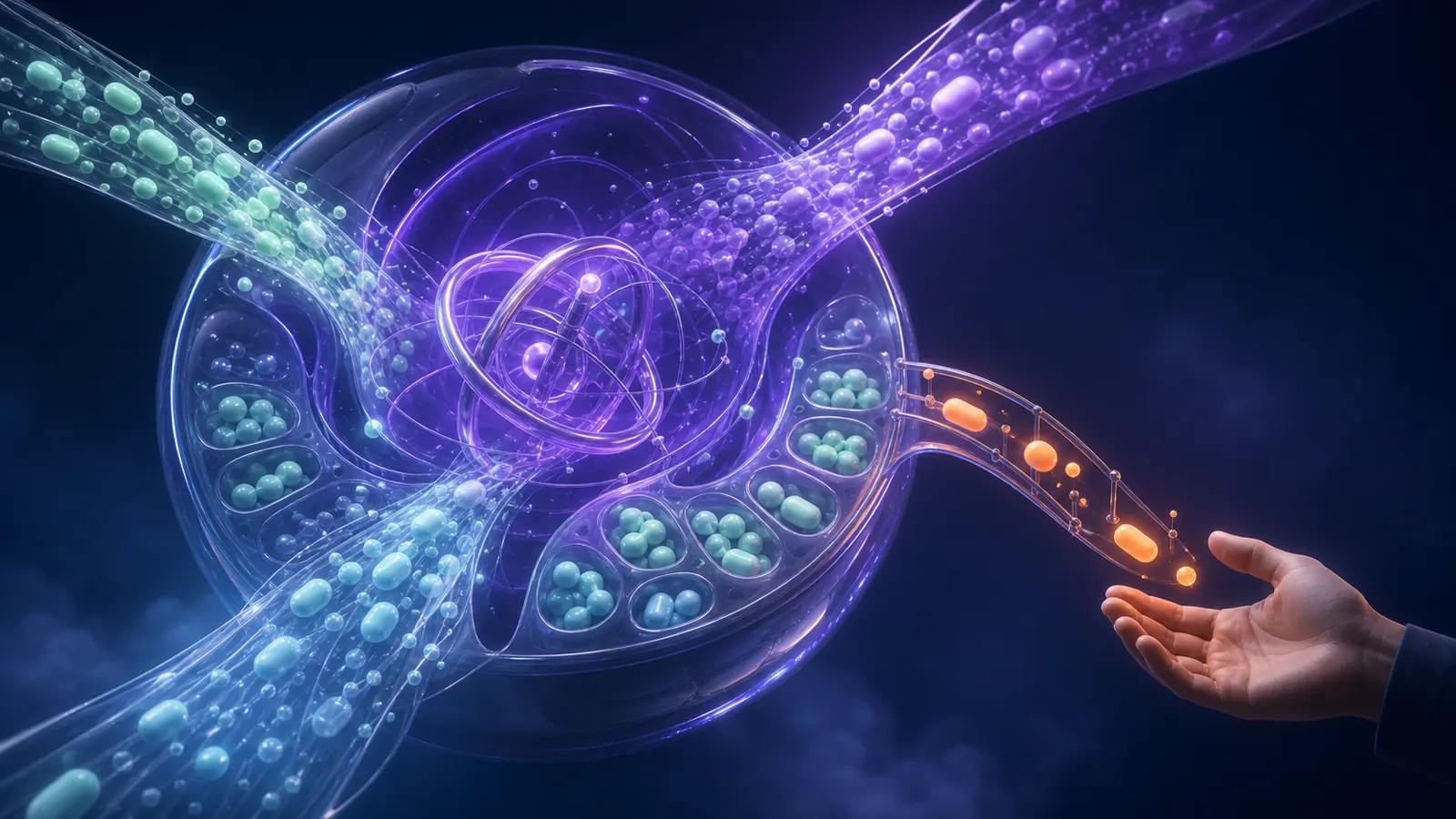
Where a unified inbox starts losing requests
Trying to classify before saving the original.
Losing attachments and links during normalization.
Not assigning an owner for an unknown topic.
Treating a message as closed only because AI generated a reply.
When you need a separate routing layer
Bring in a specialist when the inbox must handle high volume, multiple teams, attachments, or retention requirements for correspondence.
What to check on the first twenty messages
Who is this unified AI inbox approach for?
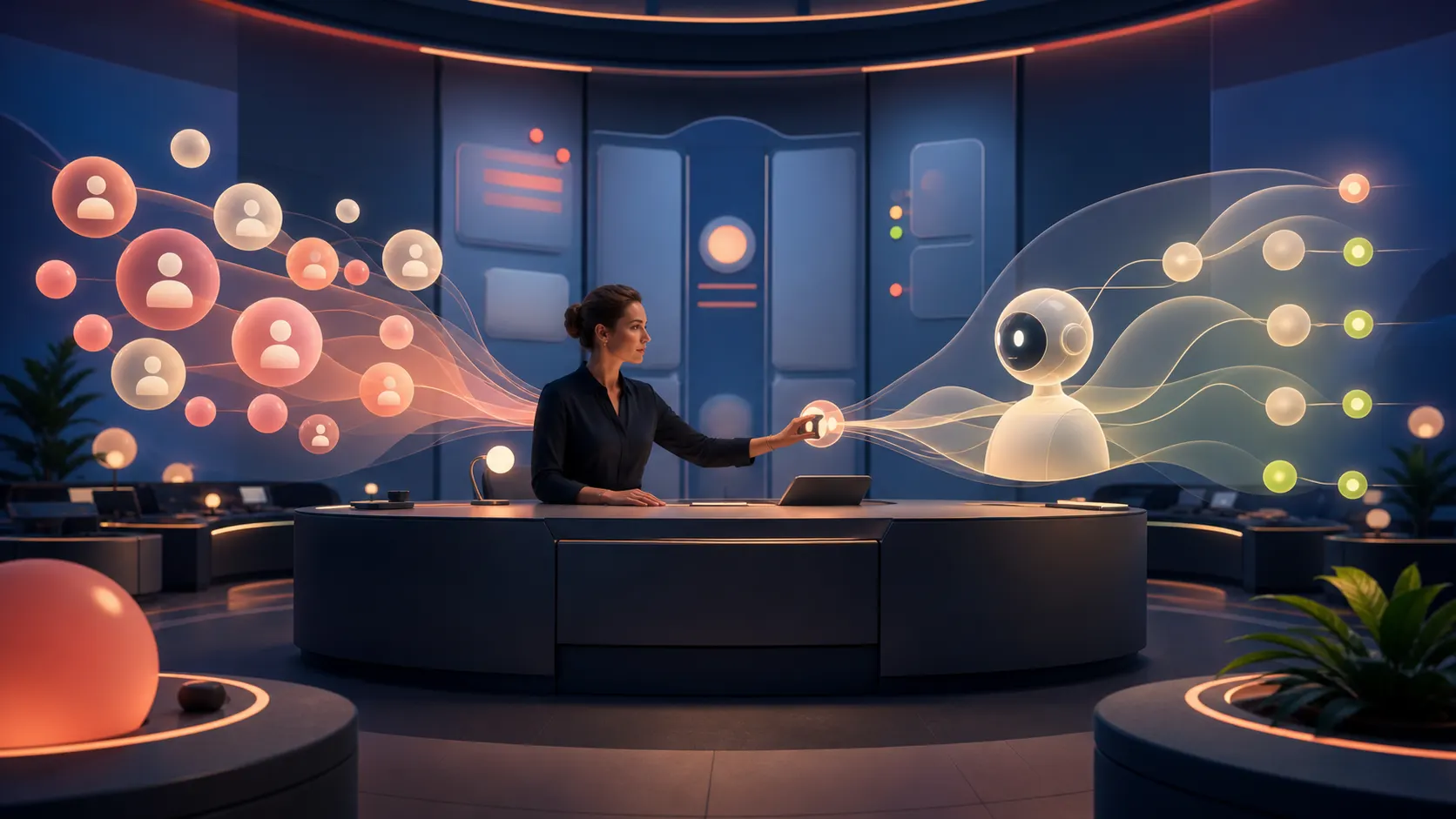
AI request processing does not mean dumping every message into one chat. First normalize inputs, keep the source, and create a queue with a clear owner.
Where to start if everything is still manual?
Describe channels and fields: channel, external_id, received_at, sender, text, attachments, intent, priority, status, and owner.
How do you check the setup will not hurt you?
Send the same message from two channels, a message with an attachment, and a message after business hours.
What if the result is unclear?
Save the event in raw_inbox and assign a queue owner; do not delete the source message until the write succeeds.