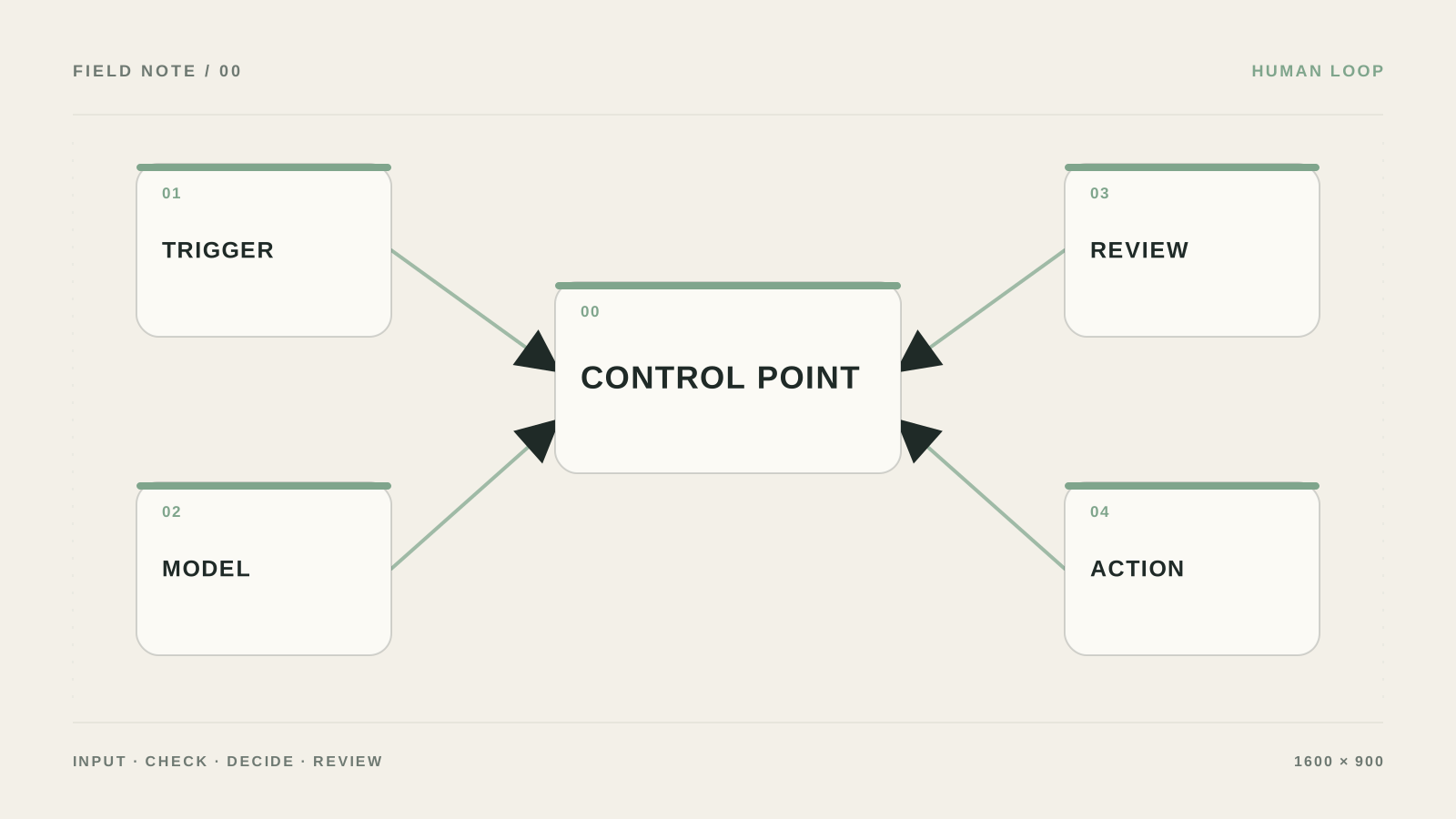
Human control must physically stop the action
What I would do if AI drafted a commercial proposal, set a discount, and sent it to the client. I would separate preparation from execution: the model proposes, a person confirms a specific payload.
The mistake I would remove first: If approval lives inside a long-running workflow, a timeout or restart can lose state. It is more reliable to separate saving the proposal from continuing after a decision.
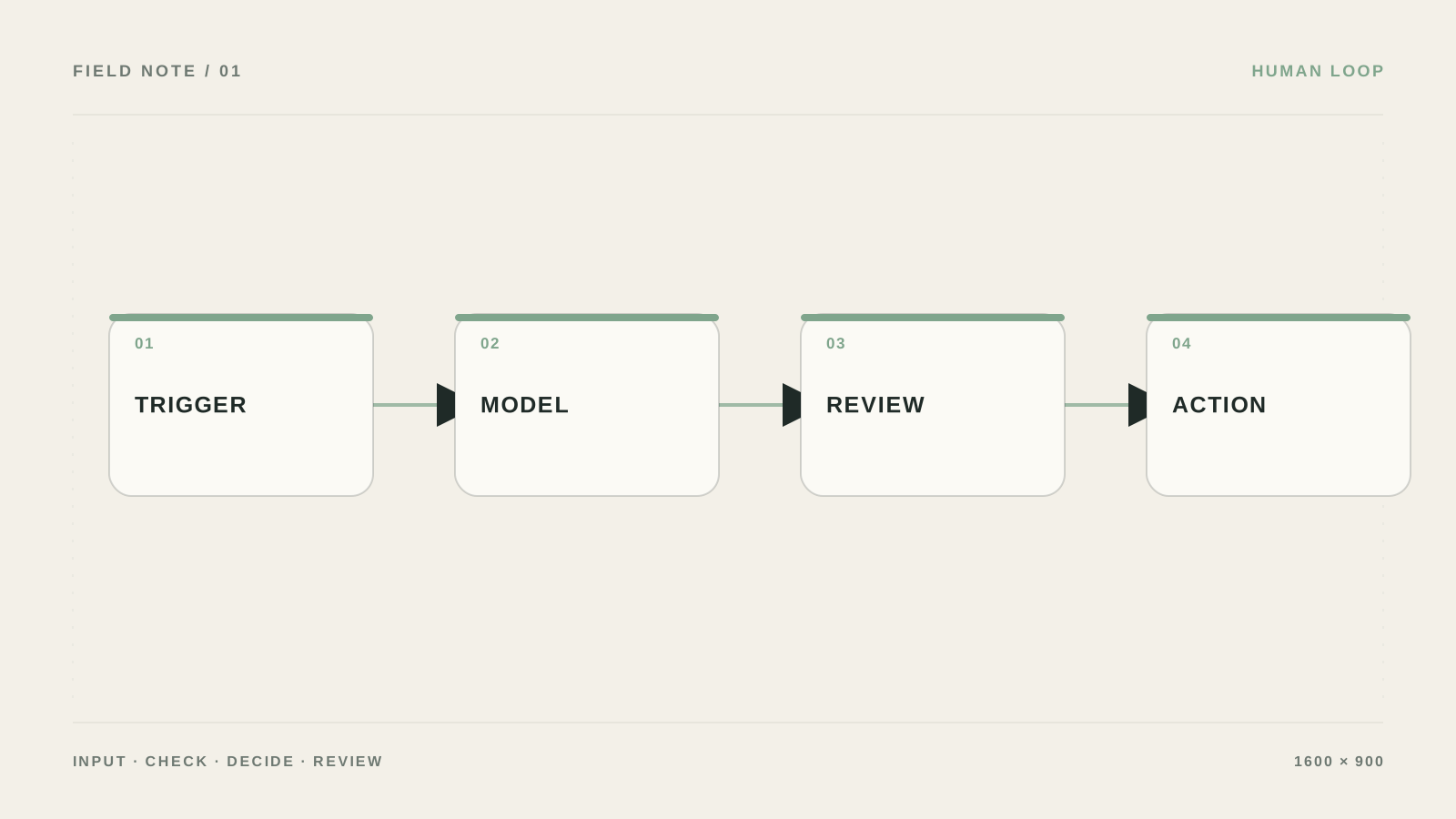
What to prepare and what result to expect
- Outcome: Staff review only high-risk cases, and after a pause the workflow continues from the same point.
- Define actions that require approval: send, refund, delete, publish, change permissions, and financial operations.
- Keep source data and access rights separate from the result so you can verify what the human-in-the-loop workflow did.
- Stop the scenario on approval, reject the action, approve it a few minutes later, and check the log.
Build an approval flow you can verify
- Separate proposal from action
AI creates a draft_action, the workflow shows it to a person, and a separate Execute step runs only after approve.
Проверьте: The approve button does not only change status—it is a condition for execution.
Если не сработало: Remove the write tool from AI and leave it only in the final branch.
- Persist state
Record run_id, action, payload, requester, approver, status, and expires_at. For complex approval, use a Wait node or webhook resume.
Проверьте: After a pause you can continue the same run_id.
Если не сработало: Split the workflow into start and resume instead of holding a long process in memory.
- Show a person the context
The approval card must include the original request, found data, the AI proposal, risk, and approve/reject/ask_more buttons.
Проверьте: A decision can be made without searching five systems.
Если не сработало: Trim the screen to the data that changes the decision.
- Handle rejection and timeout
Reject sends the task to the owner or returns the draft for edits. An expired expires_at must not auto-execute the action.
Проверьте: A rejected request never reaches the client and is visible in the log.
Если не сработало: Add a daily list of stuck approvals.
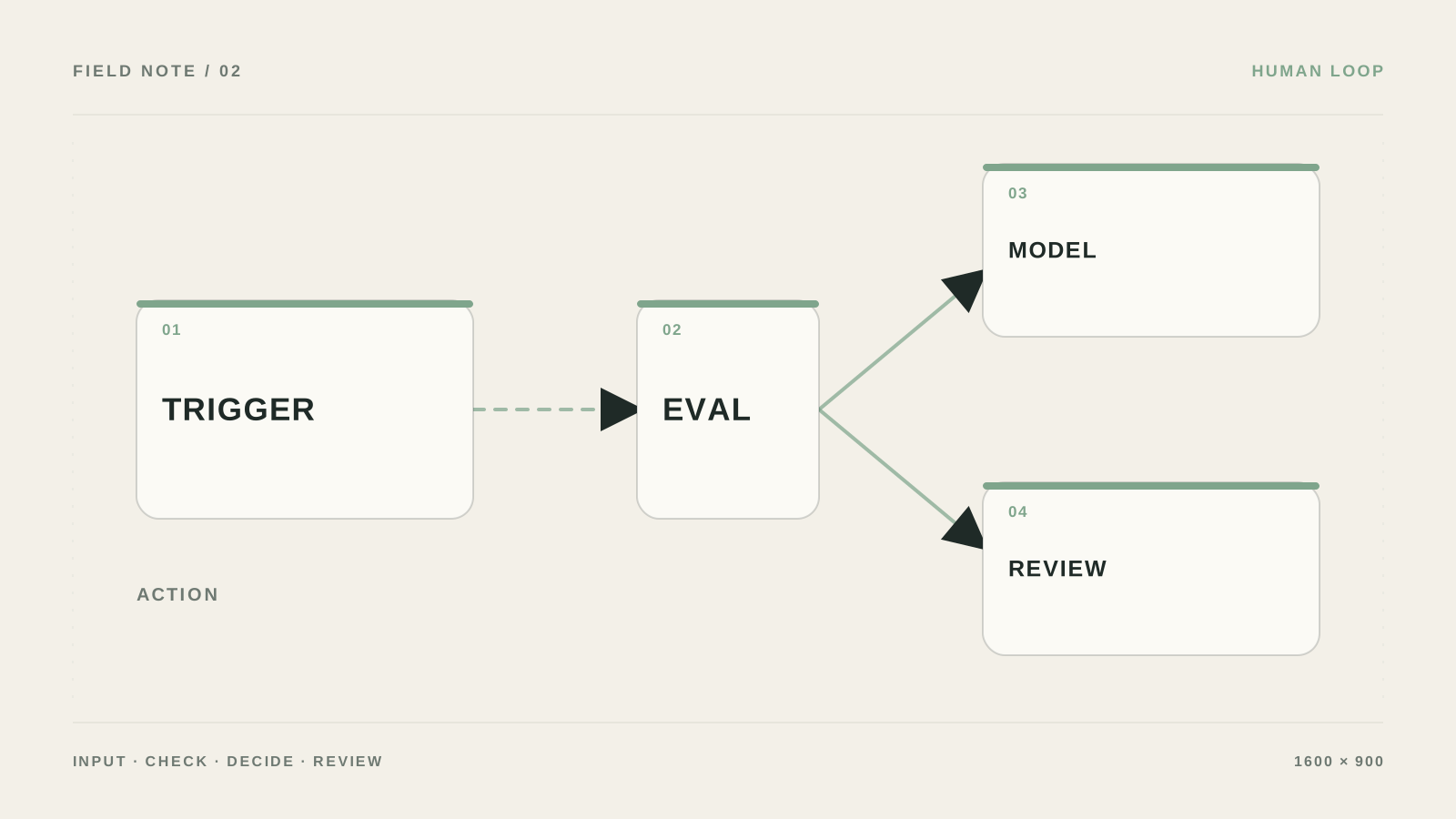
States I would set up
Minimal state machine: received → drafted → waiting_approval → approved/rejected → executed → failed. Store input_snapshot, proposed_action, reviewer_id, reviewed_at, rejection_reason, and execution_id on the record. After approved, the workflow checks again that the input is not stale.
For email or a CRM change, split into two operations: the first saves the draft and sends a confirmation button; the second executes by approval_id. That way the process survives a restart and does not resend.
- Reject should explain the reason, not just clear the status.
- For low confidence, set review_required instead of an endless clarification loop.
What belongs on the approval screen
Show the source text, proposed result, fields that will change, a link to the source, risk, and approve/reject buttons. If a person cannot understand the decision in a minute, the screen is overloaded or AI brought too little context.
Two chains instead of a hung workflow
Workflow A: `Trigger → Get context → AI draft → Validate → proposal_id → action_hash → Save approval → Slack/Gmail`. Workflow B: `Approval webhook → Verify approver → Get proposal → Compare action_hash → Check expiry → Execute once → Audit log`.
States: `pending → approved/rejected/edited → executed/failed/expired`. On the record store `proposal_id`, `target_id`, `payload`, `action_hash`, `state_version`, `approver_role`, `expires_at`, `rejection_reason`, and `execution_id`.
{
  "action": "send_quote",
  "target_id": "deal_456",
  "payload": {"amount": 150000, "discount": 10},
  "requires_approval": true,
  "expires_at": "2026-08-05T12:00:00Z"
}
What a person must see
Recipient, amount, discount, fields that will change, text preview, data source, and expiry time. The button must not execute the action directly from the URL: it only passes `proposal_id`, and the server rechecks role, hash, and `executed` status.
Where a person must decide, and where a rule is enough
| Criterion | Question | Good sign |
|---|---|---|
| Input | What exactly enters the human-in-the-loop workflow? | Define actions that require approval: send, refund, delete, publish, change permissions, and financial operations. |
| Action | What is the system allowed to do on its own? | Only prelisted actions, without access to the entire account |
| Verification | How do you know the result is acceptable? | Stop the scenario on approval, reject the action, approve it a few minutes later, and check the log. |
| Failure | Where do unclear cases go? | Persist state in a table or database and set an escalation deadline so a stuck approval is not lost. |
What should change after setup
Staff review only high-risk cases, and after a pause the workflow continues from the same point.
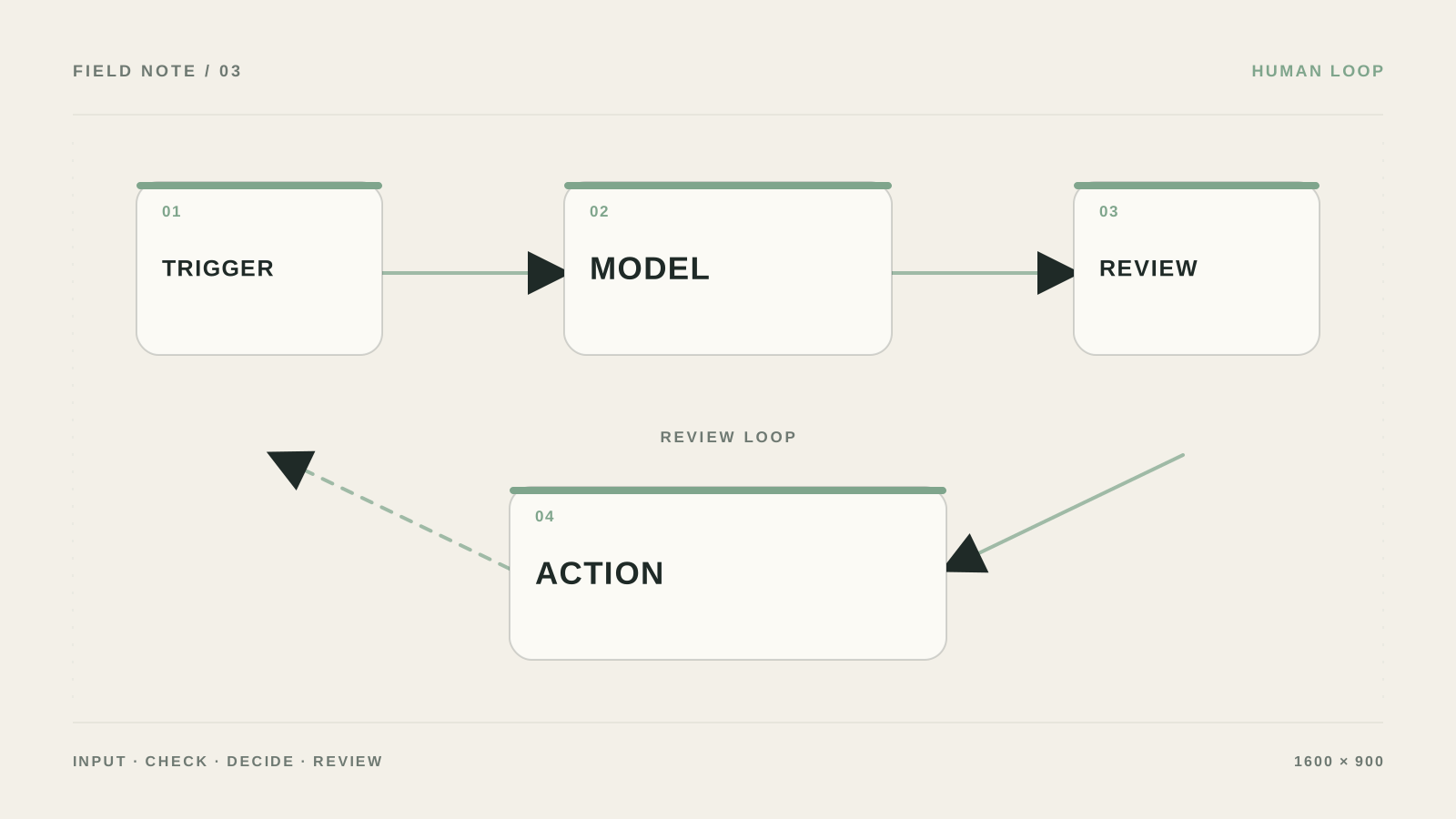
Why “human in the loop” often exists only in words
Treating approval as a text instruction in the prompt.
Not storing state between start and confirmation.
Showing staff only the outcome without the original request.
Automatically executing the action after a timeout.
When approval needs separate state
Bring in a specialist if approval involves money, legal actions, multiple roles, or long processes with a large volume of state.
What must be on the confirmation screen
Who is this human-in-the-loop workflow approach for?
In a human-in-the-loop AI scenario, human control is not a line in the prompt. The system must stop, save state, show the input and the AI proposal, wait for a decision, and only then execute the action.
Where do you start if everything is still manual?
Define actions that require approval: send, refund, delete, publish, change permissions, and financial operations.
How do you check that the setup will not hurt you?
Stop the scenario on approval, reject the action, approve it a few minutes later, and check the log.
What if the result is unclear?
Persist state in a table or database and set an escalation deadline so a stuck approval is not lost.